Module 2 Formstorming

Sarah's Weekly Activity

Sarah Al-Fkeih | Project 2: Time and Data


Project 2


Module 2

For Activity 1, I worked with my group to record sounds around campus, but I also wanted to follow my own idea by recording in my home, specifically my bathroom, since it’s where I get ready every morning. I was interested in the idea of customization—how I change and present myself through things like makeup and hair—so I focused on capturing sounds in that personal space alongside more public campus recordings. In Activity 2, I built on this by experimenting with p5 sketches, exploring how sound and the microphone could connect to that idea of self and control. I tested both voice-controlled interactions and mic-reactive visuals to see different ways sound could shape an experience. I then brought these explorations into my portfolio to show both my process and how my concept developed from recording to interaction.

Activity 1
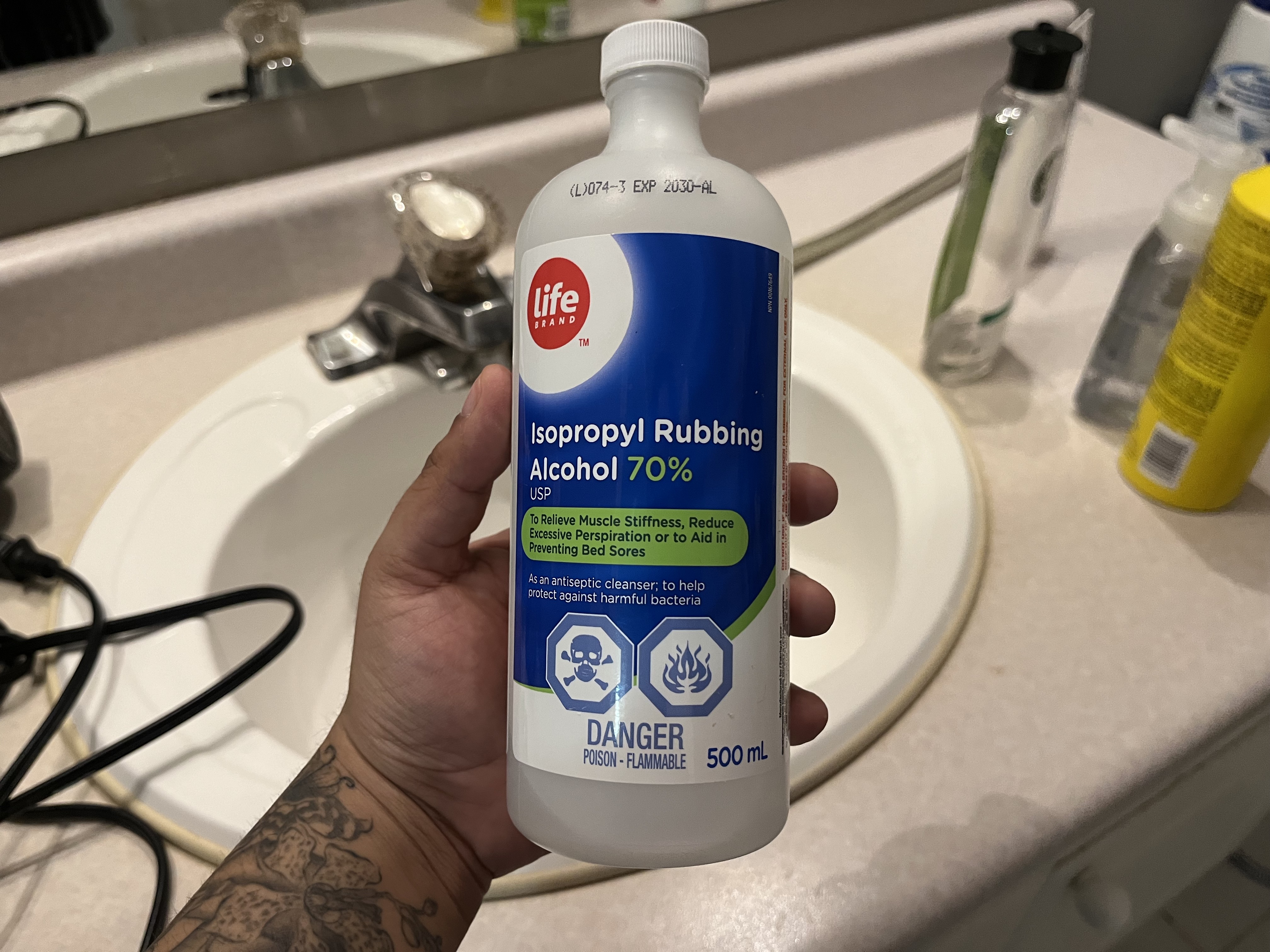
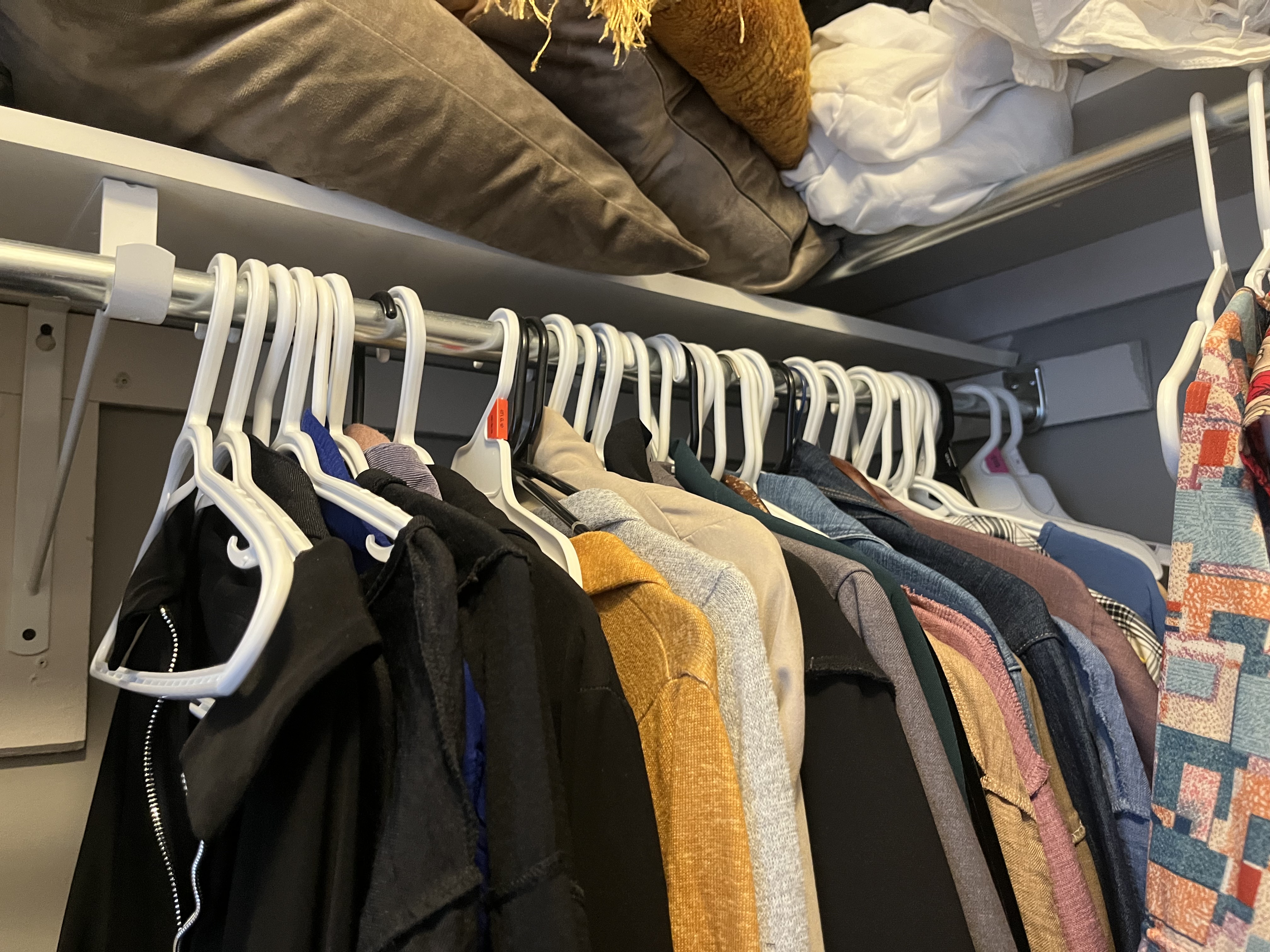
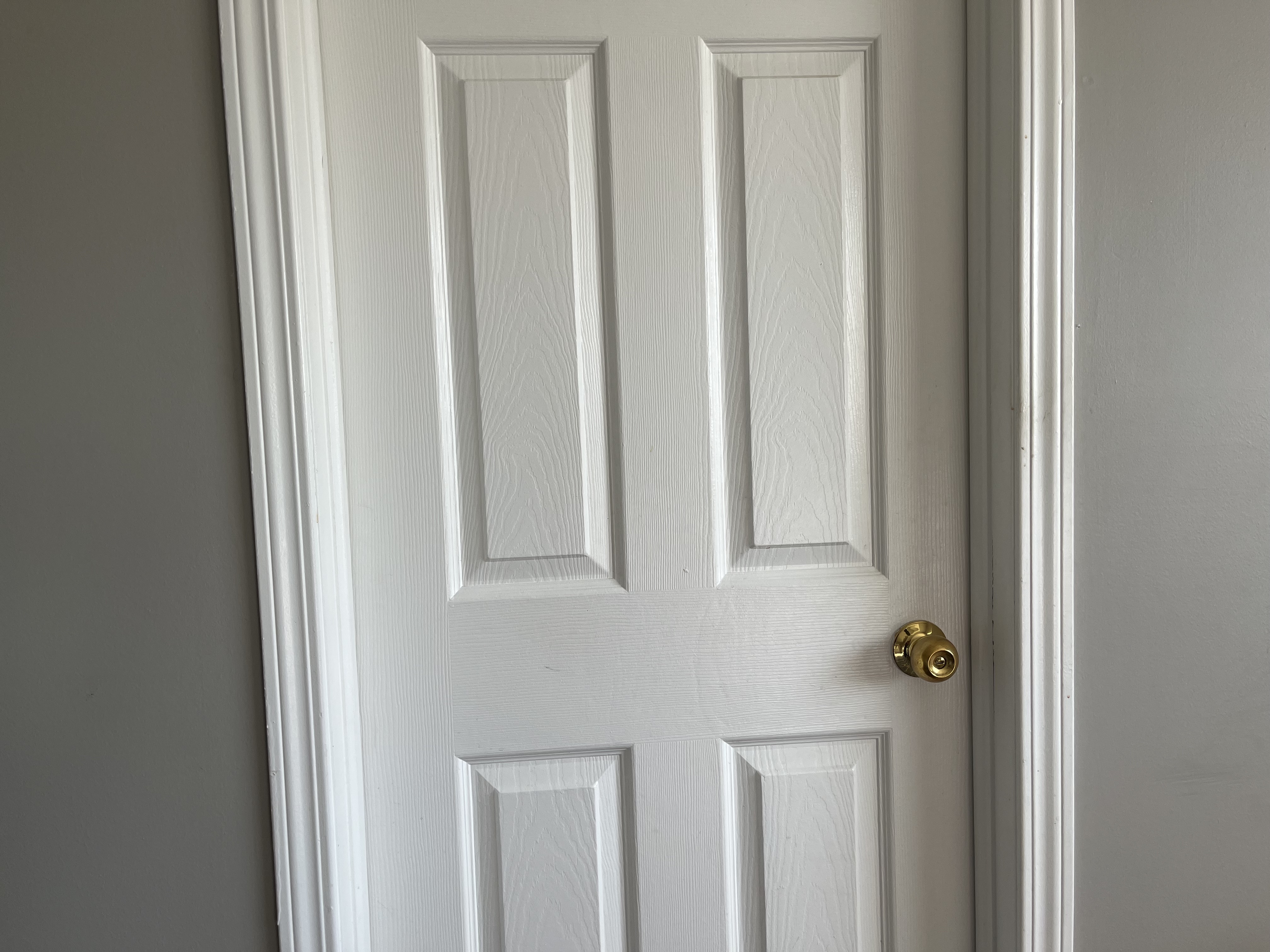
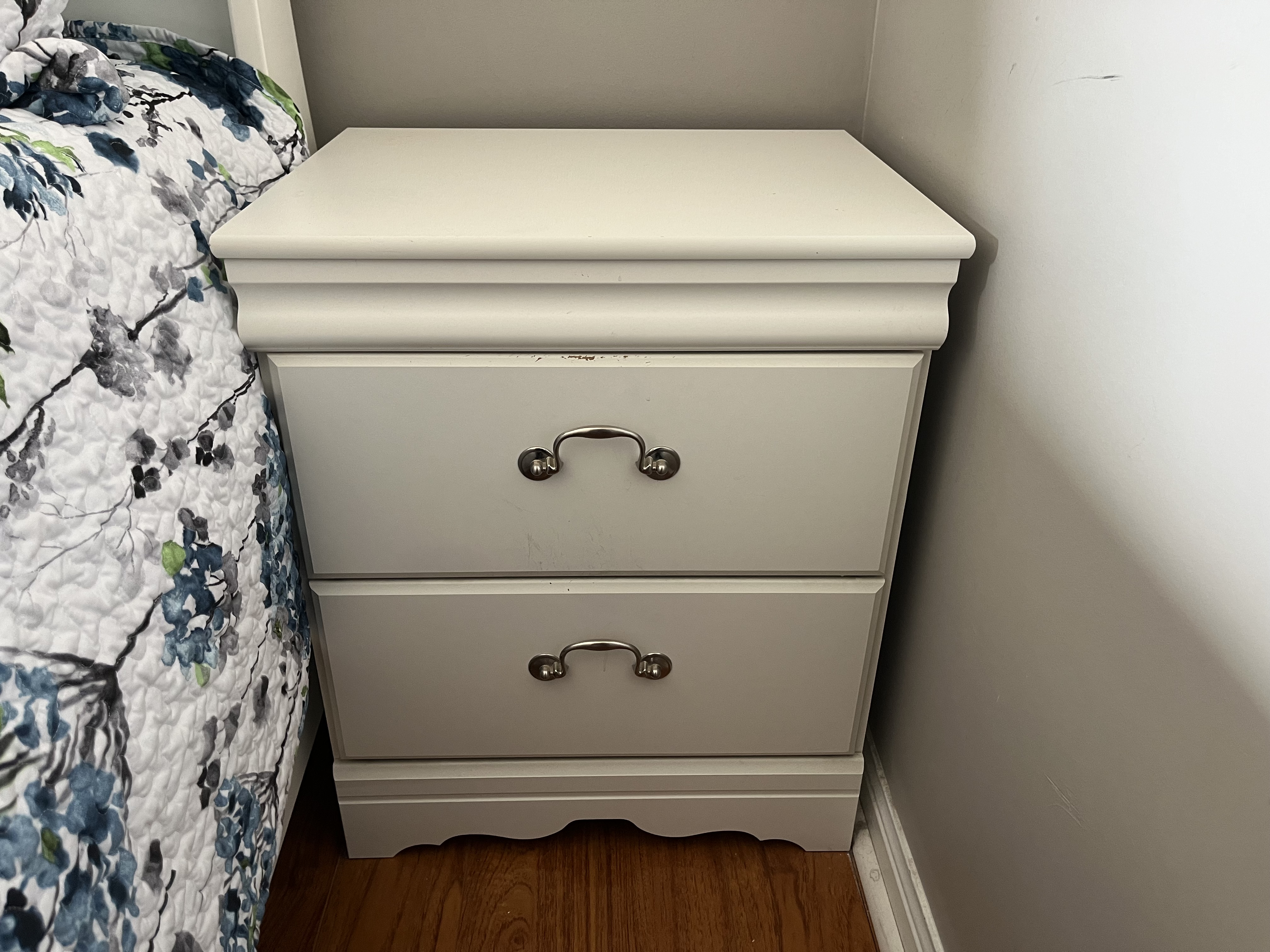
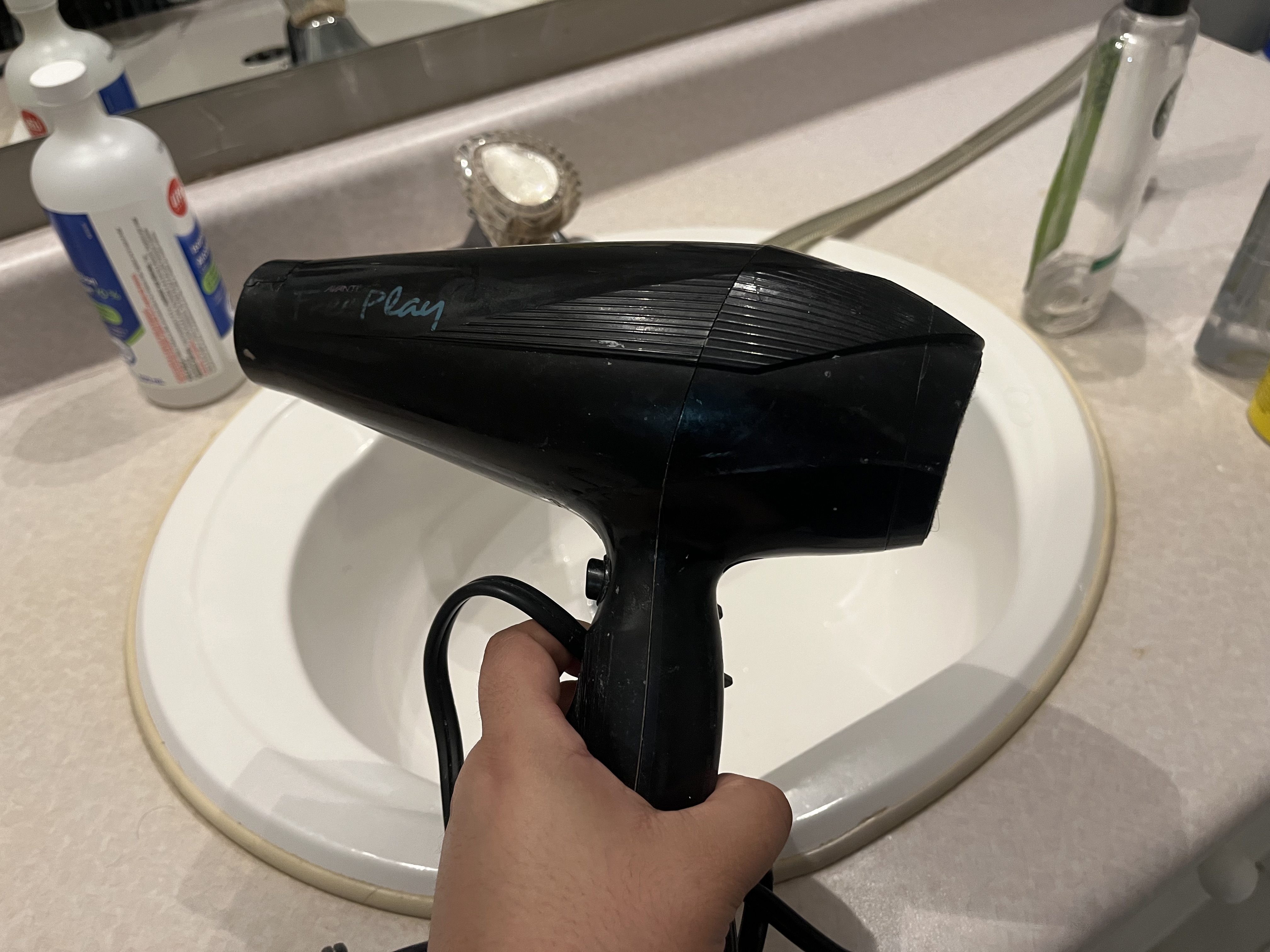
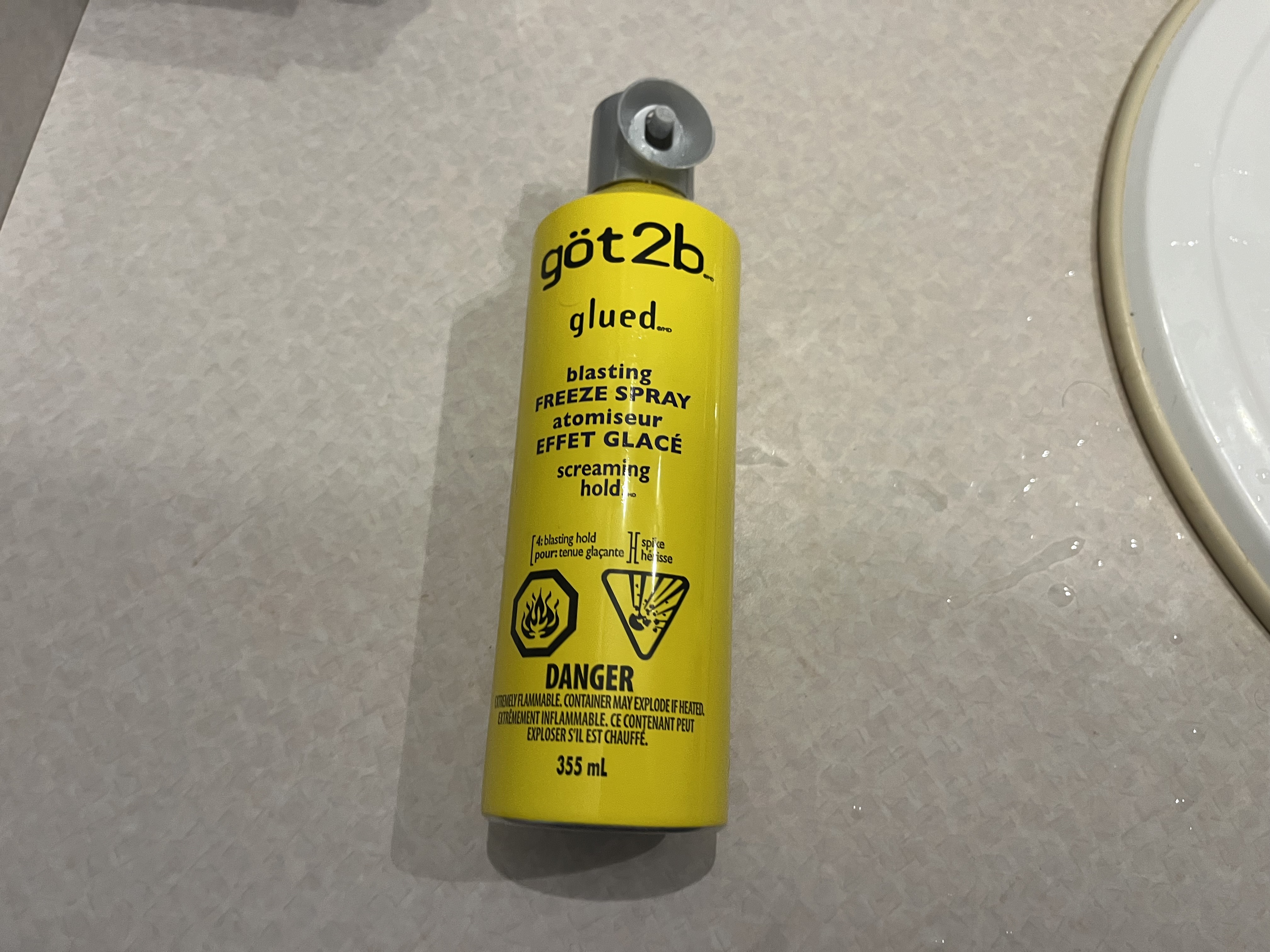
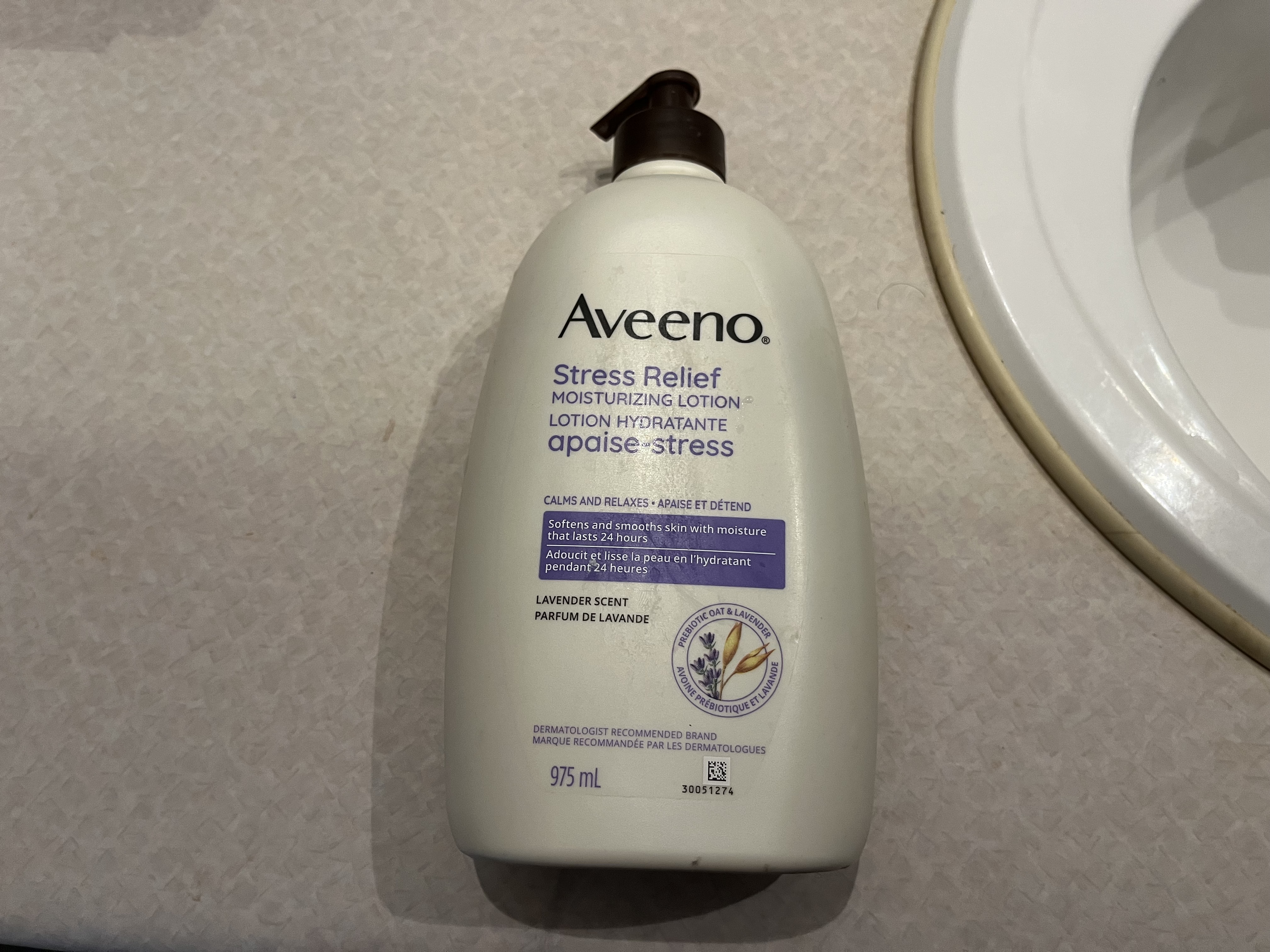
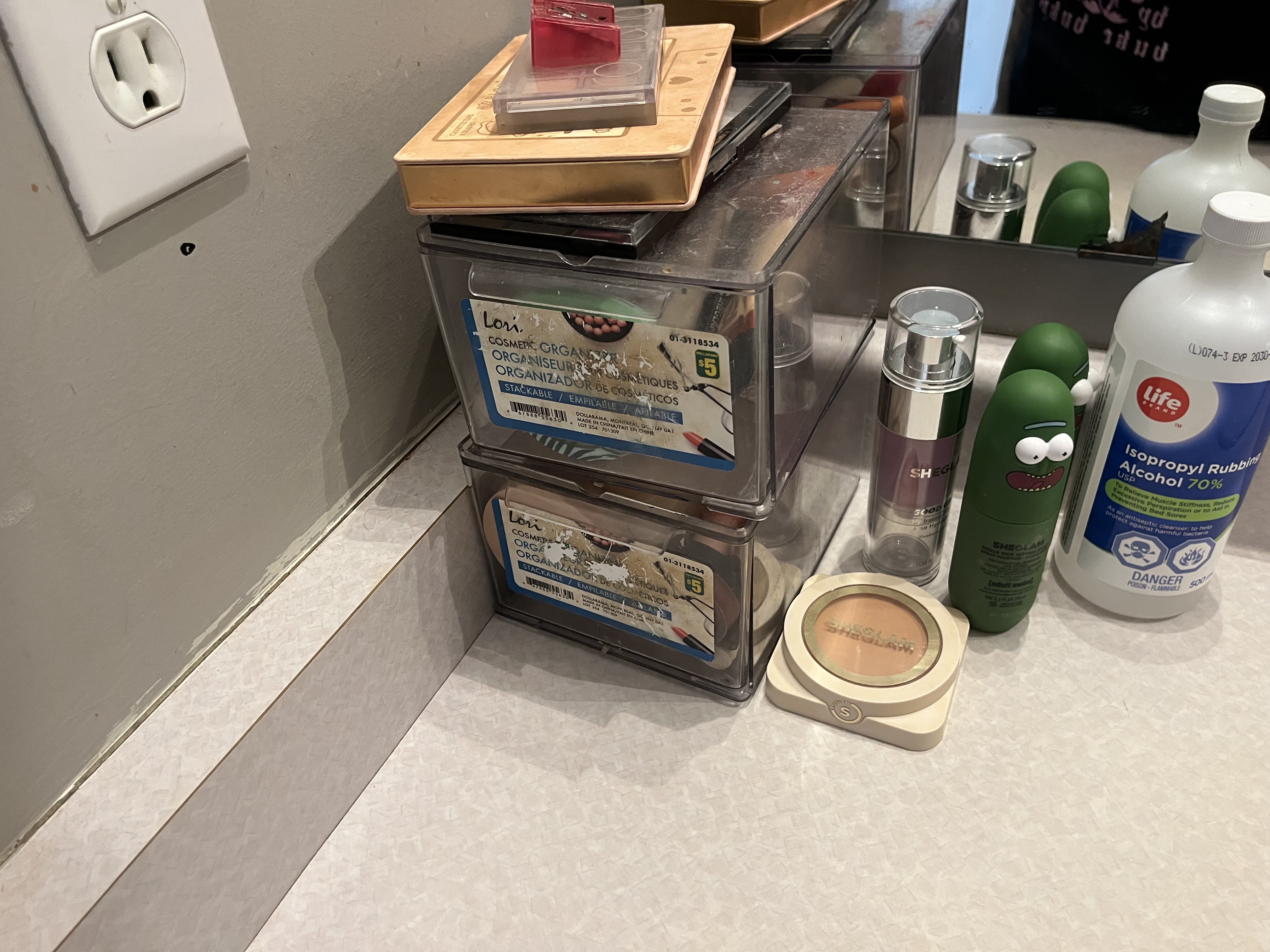
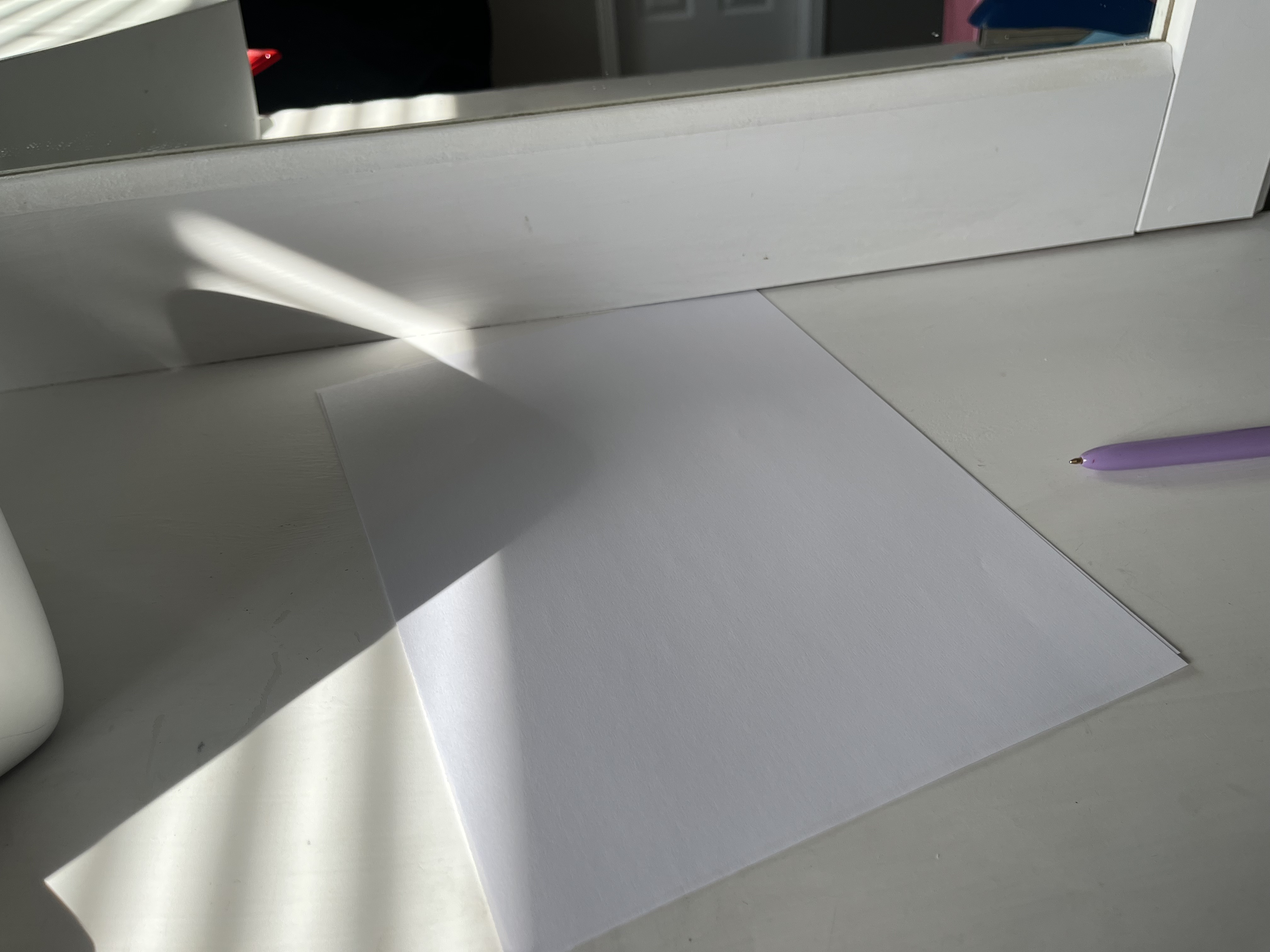
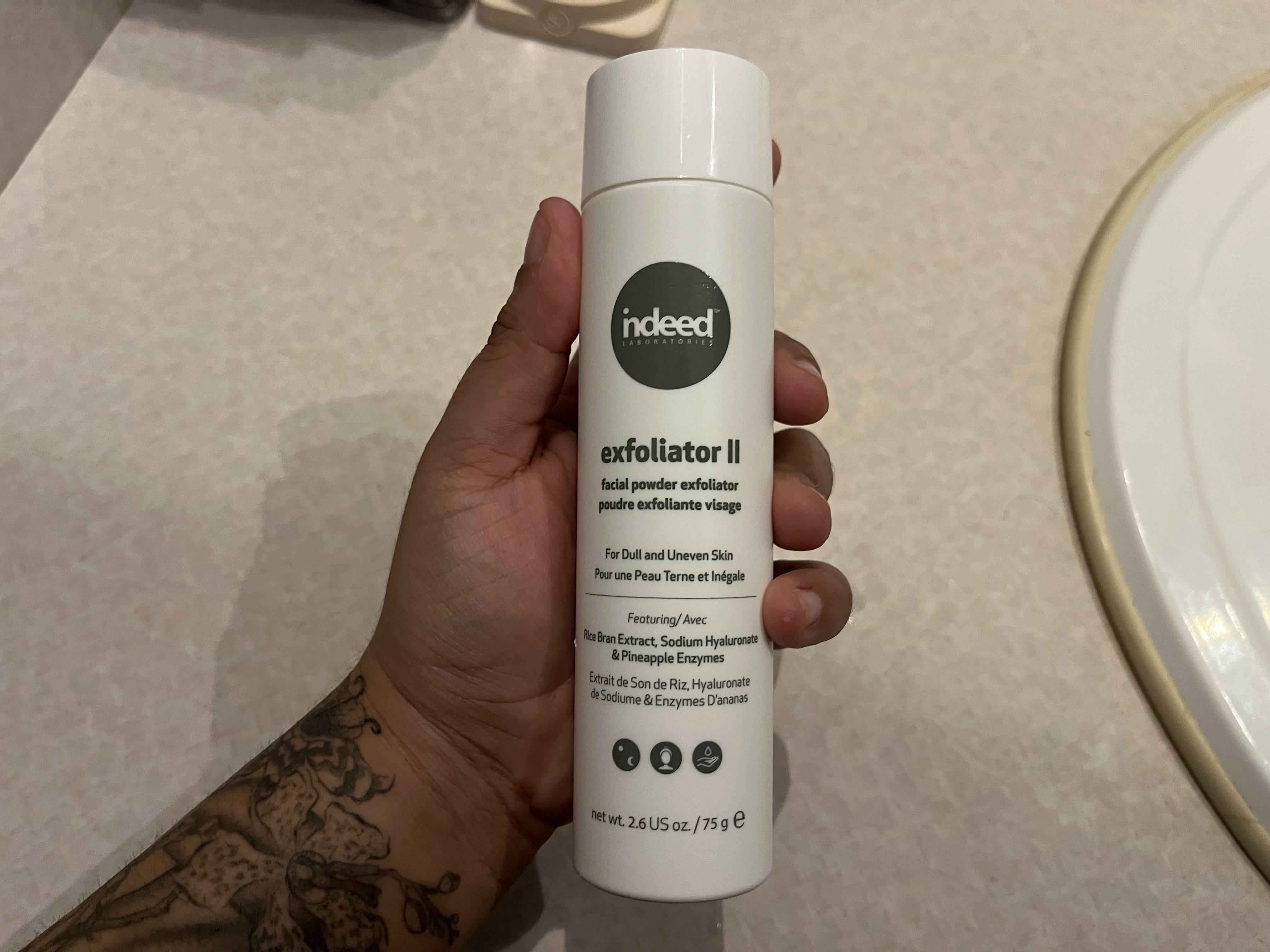
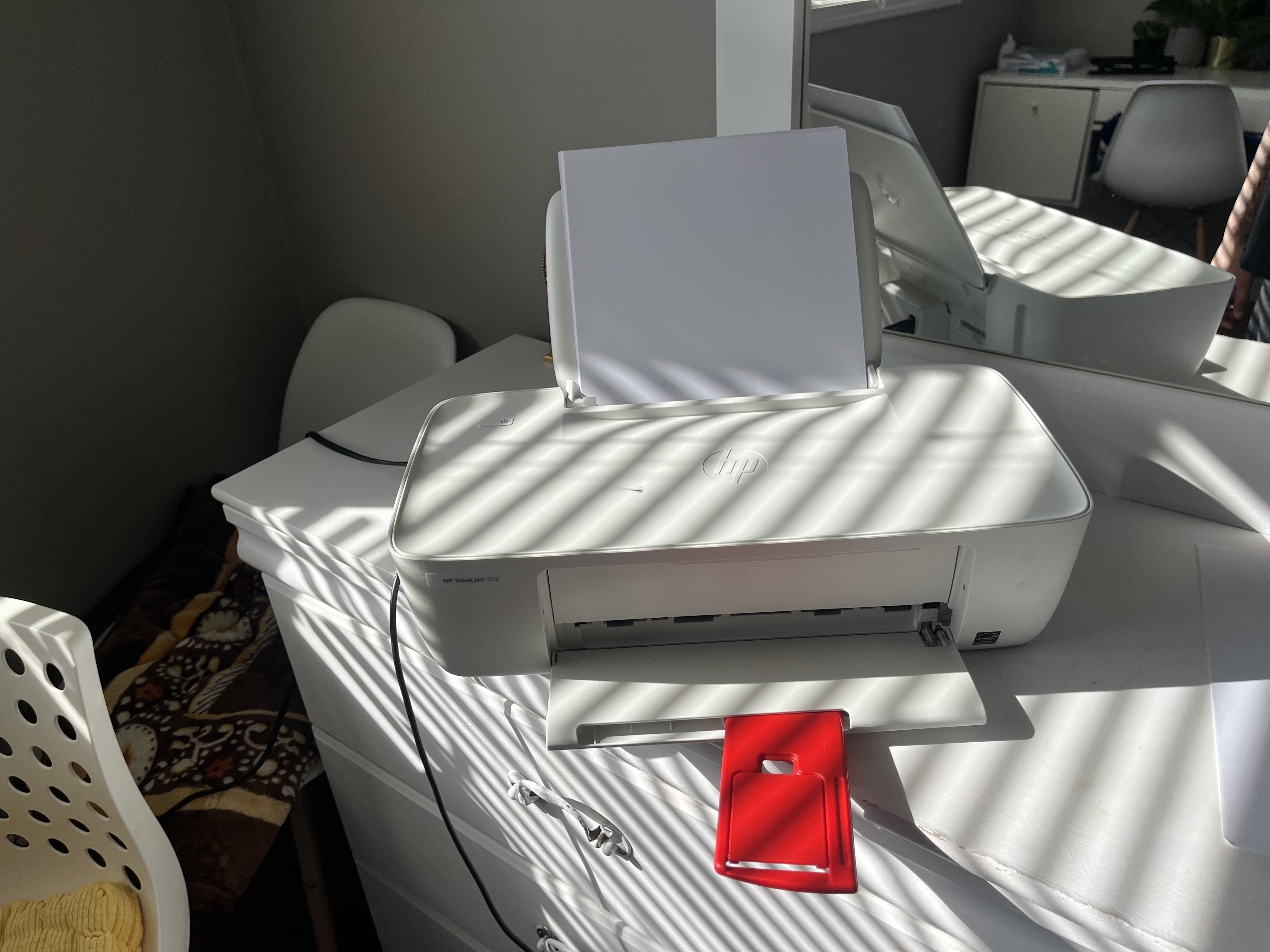
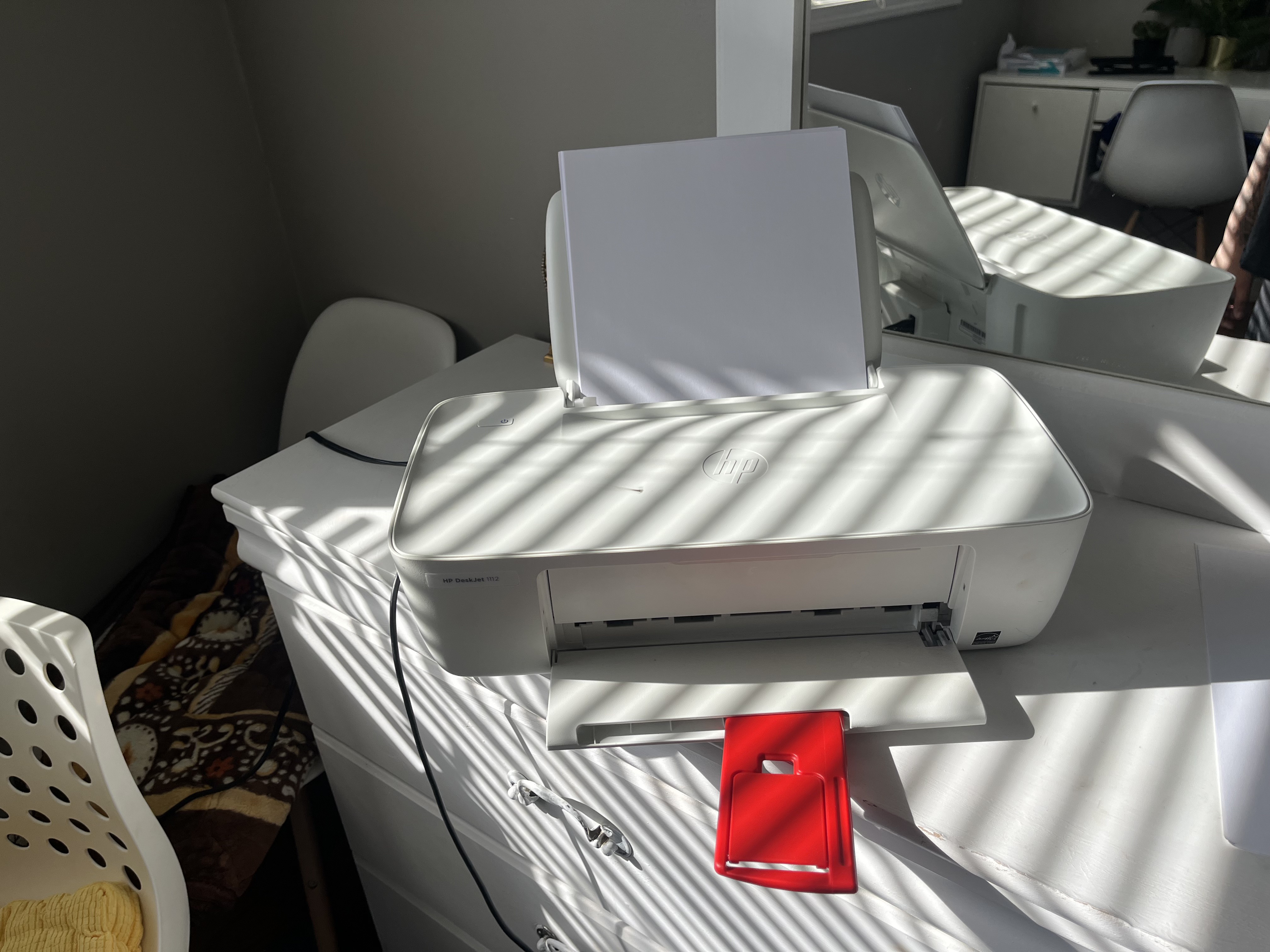
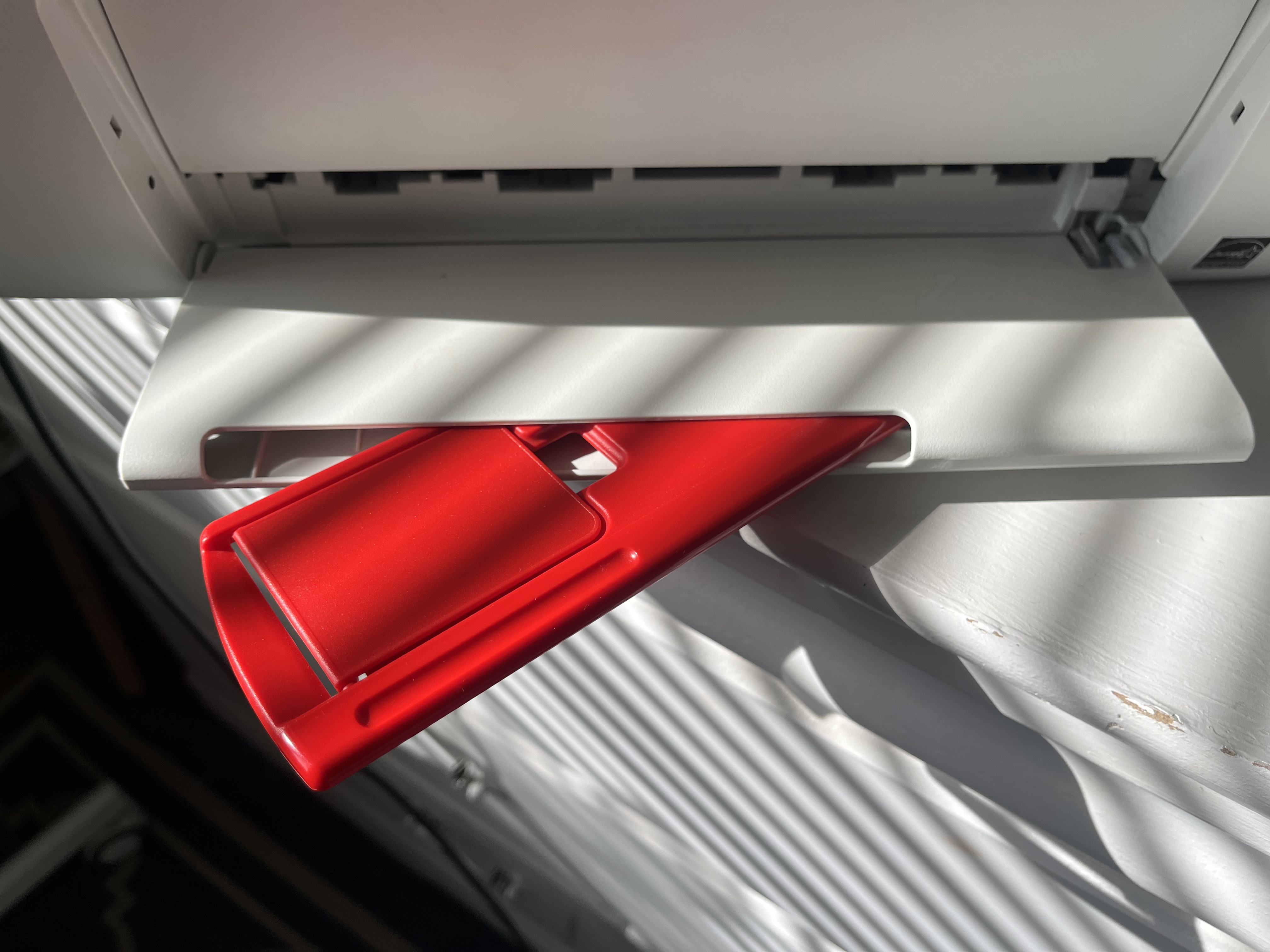
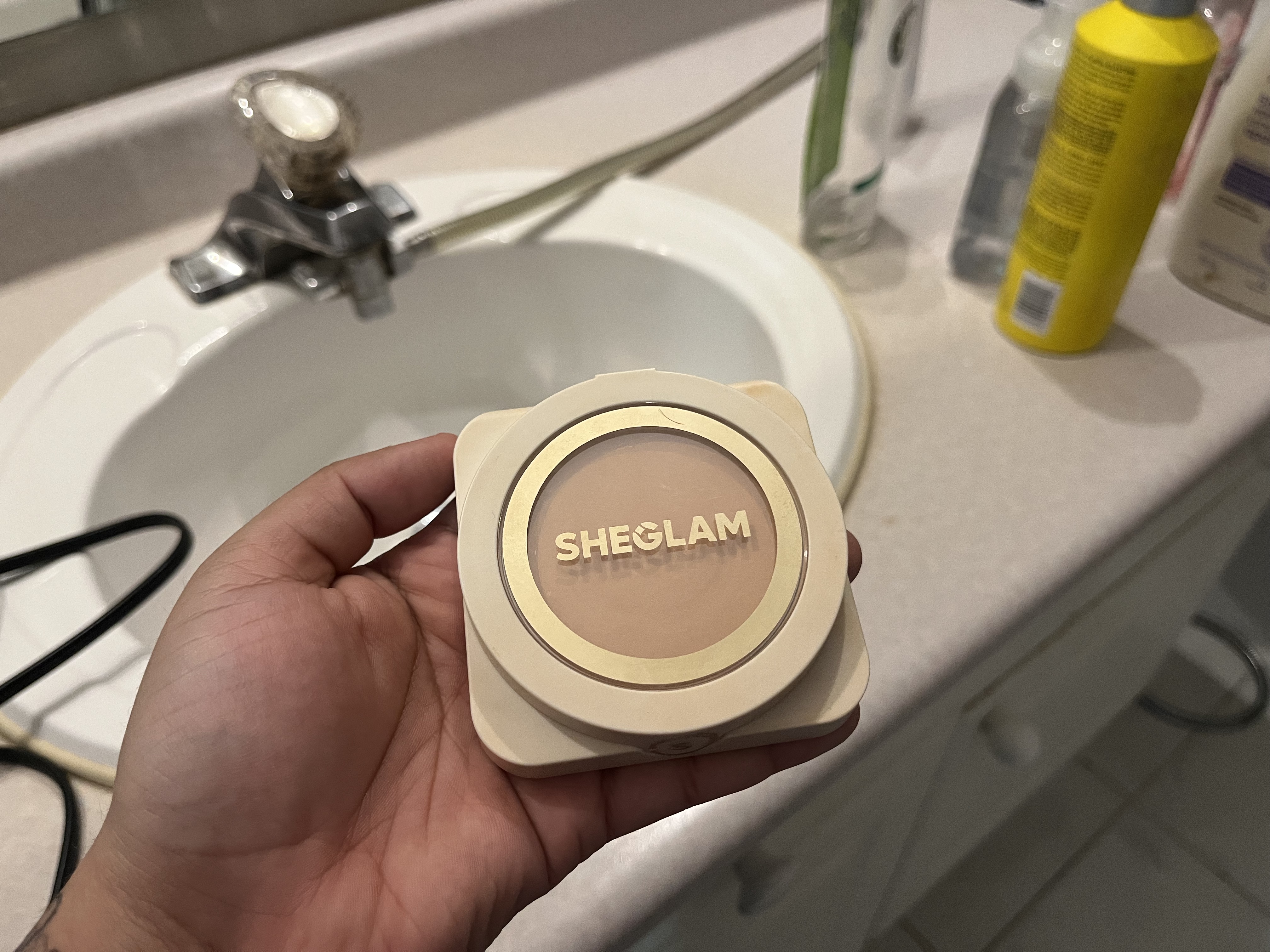
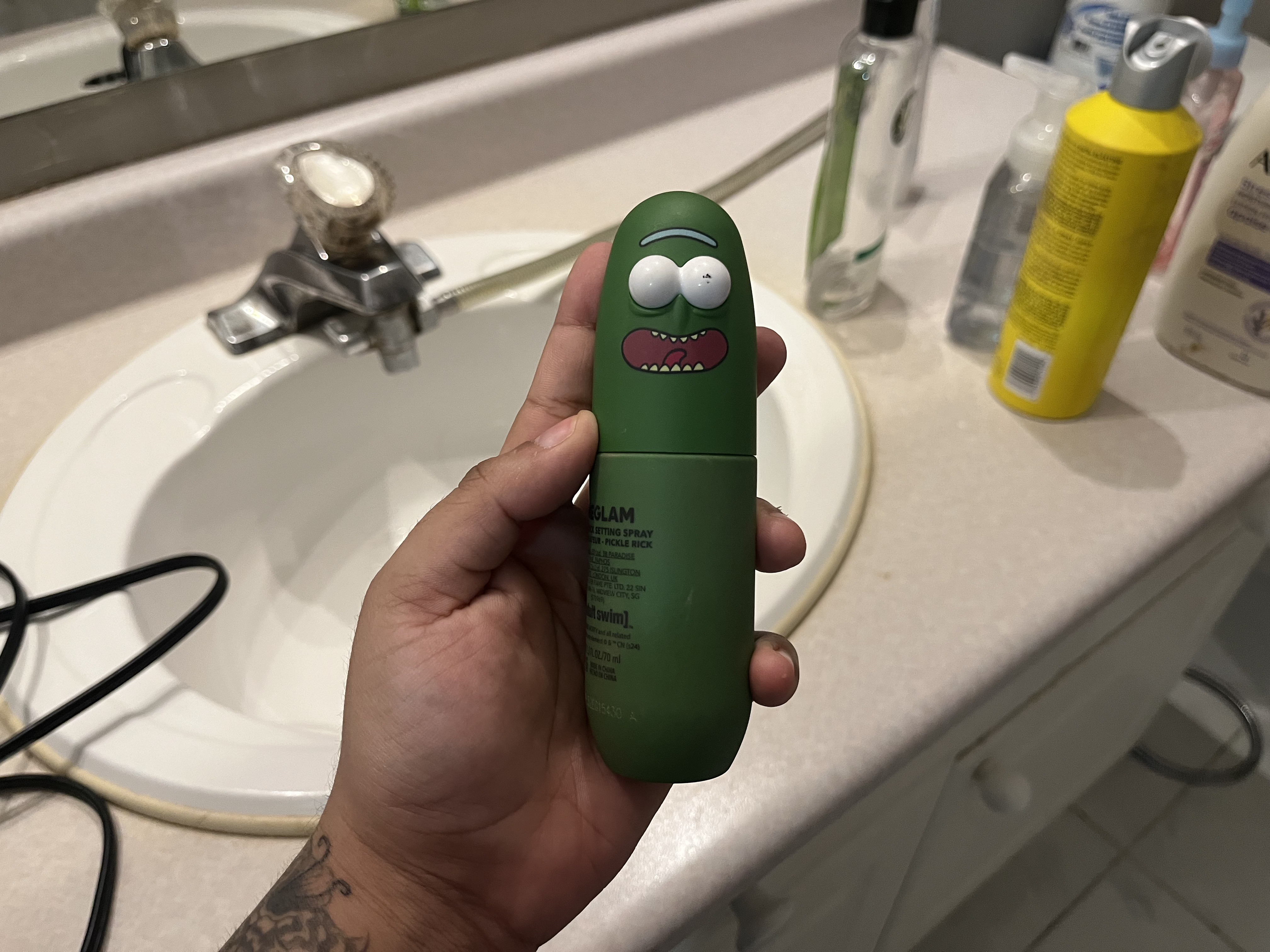
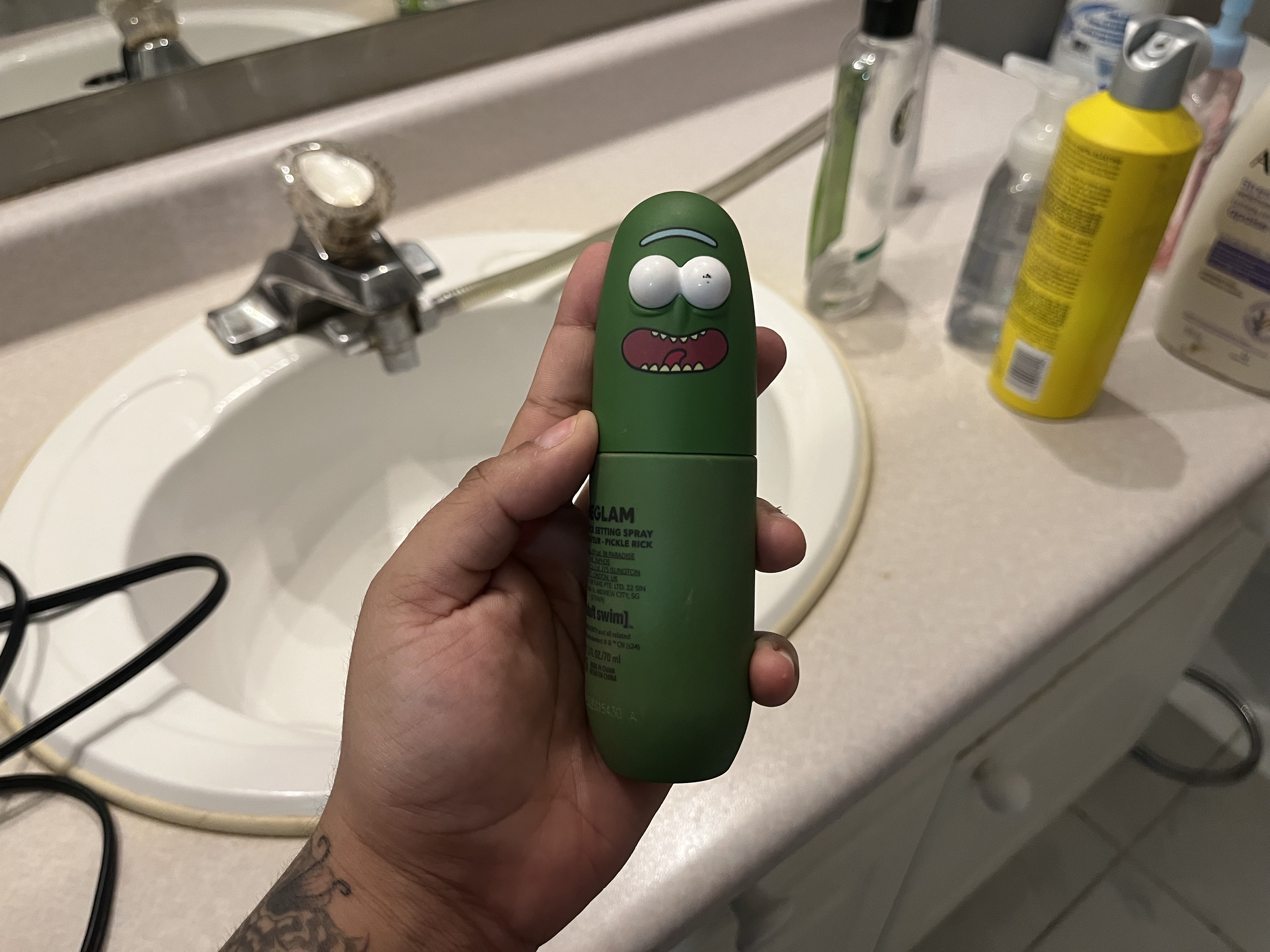
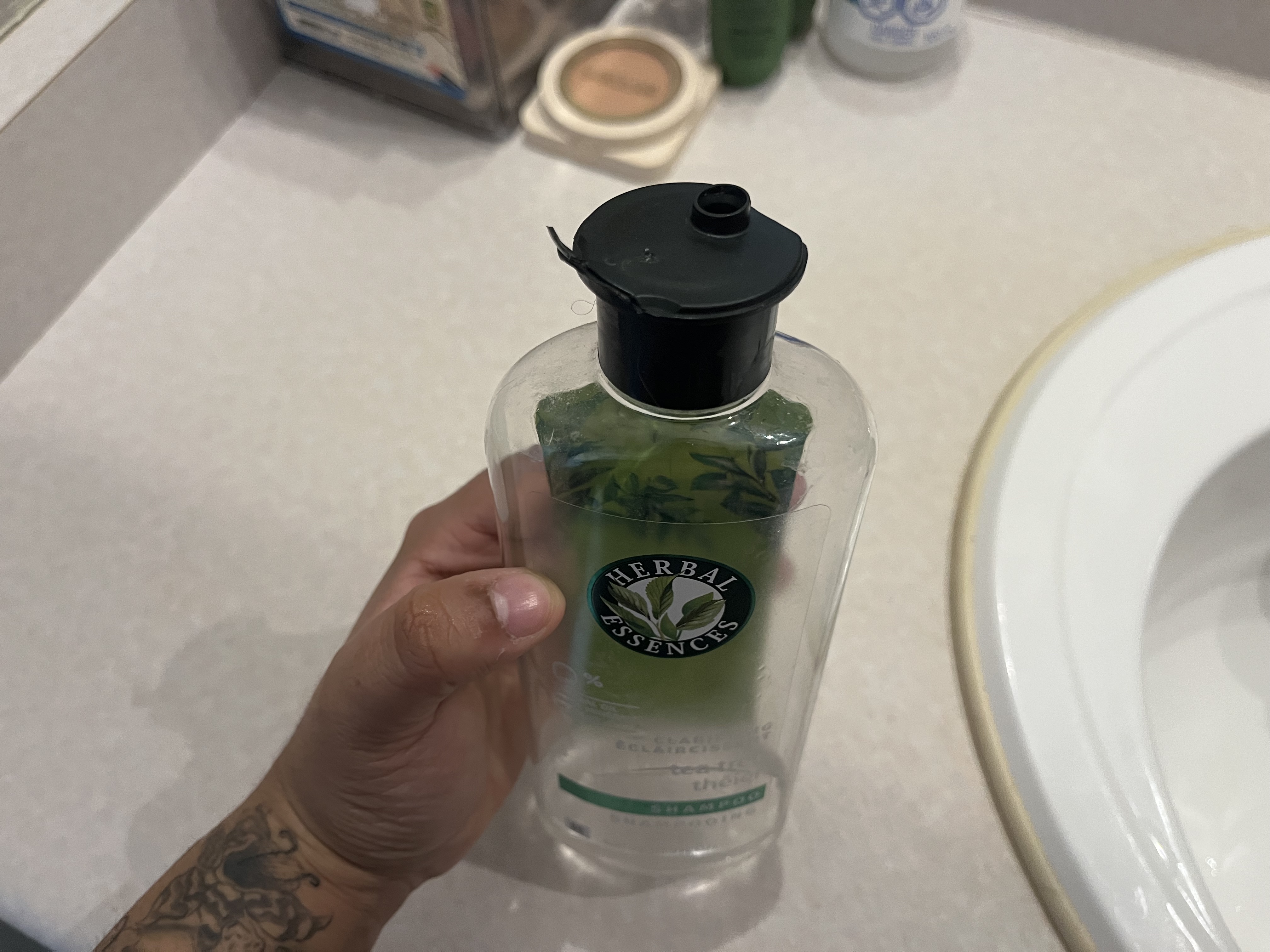
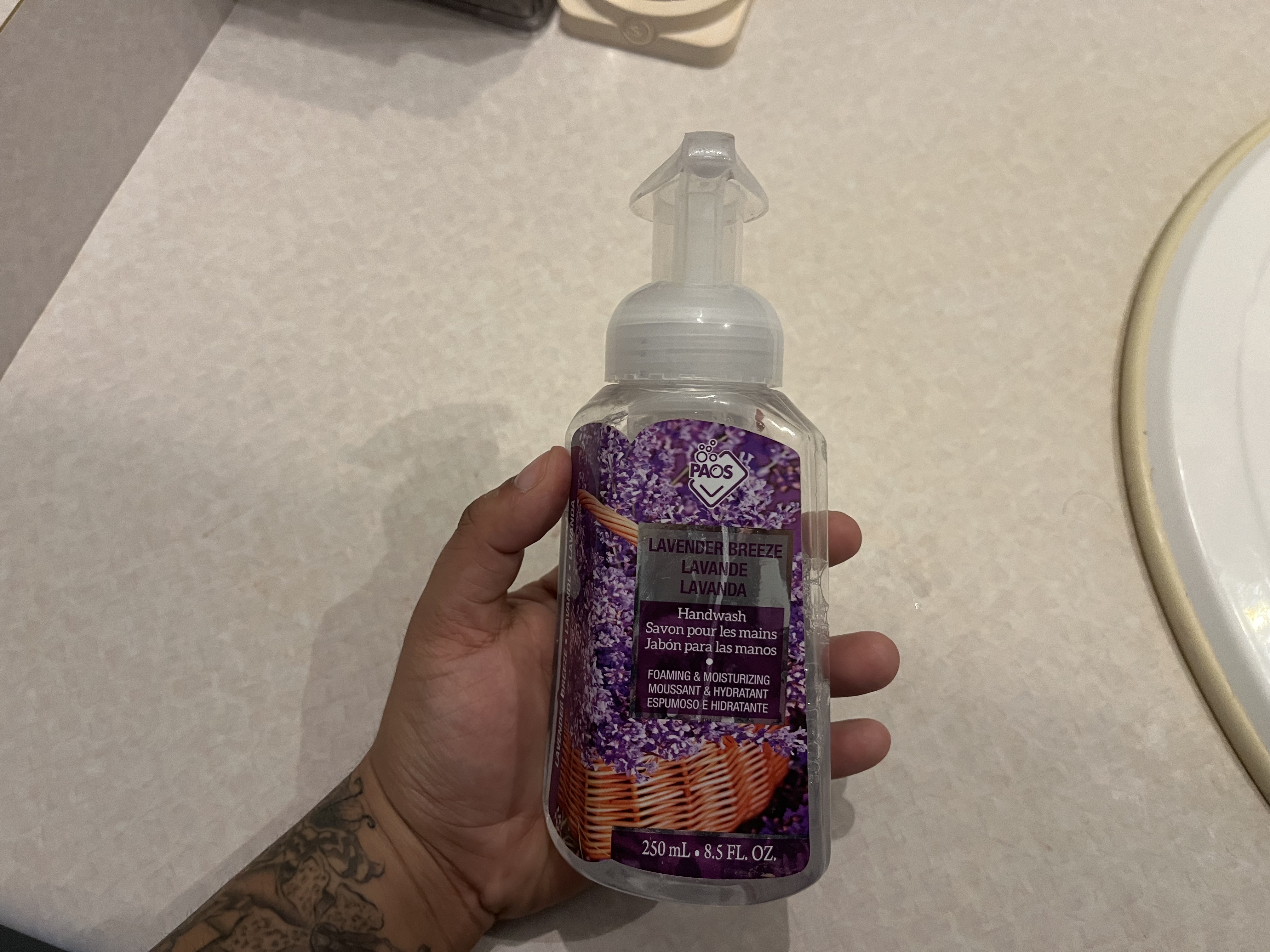
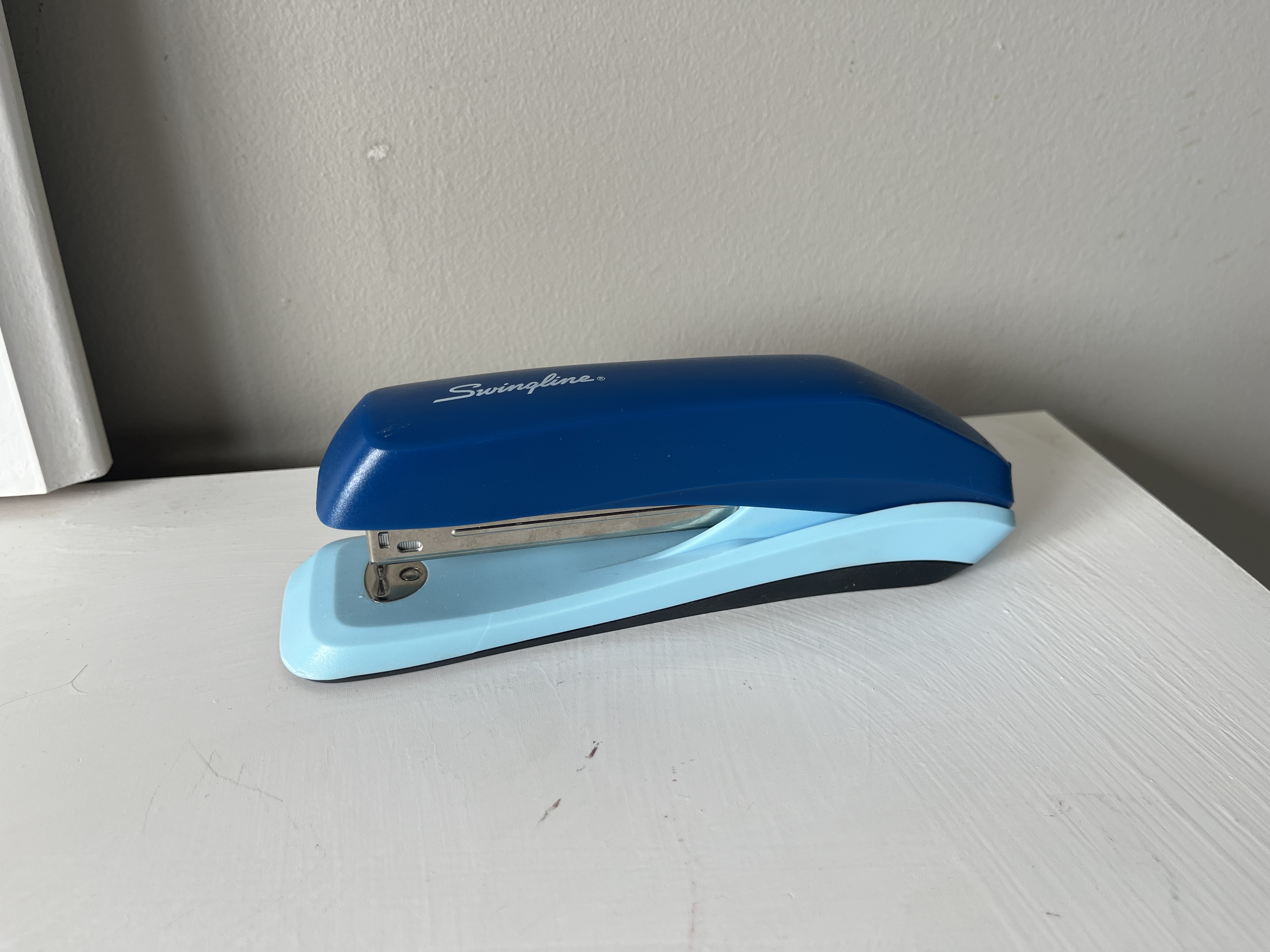
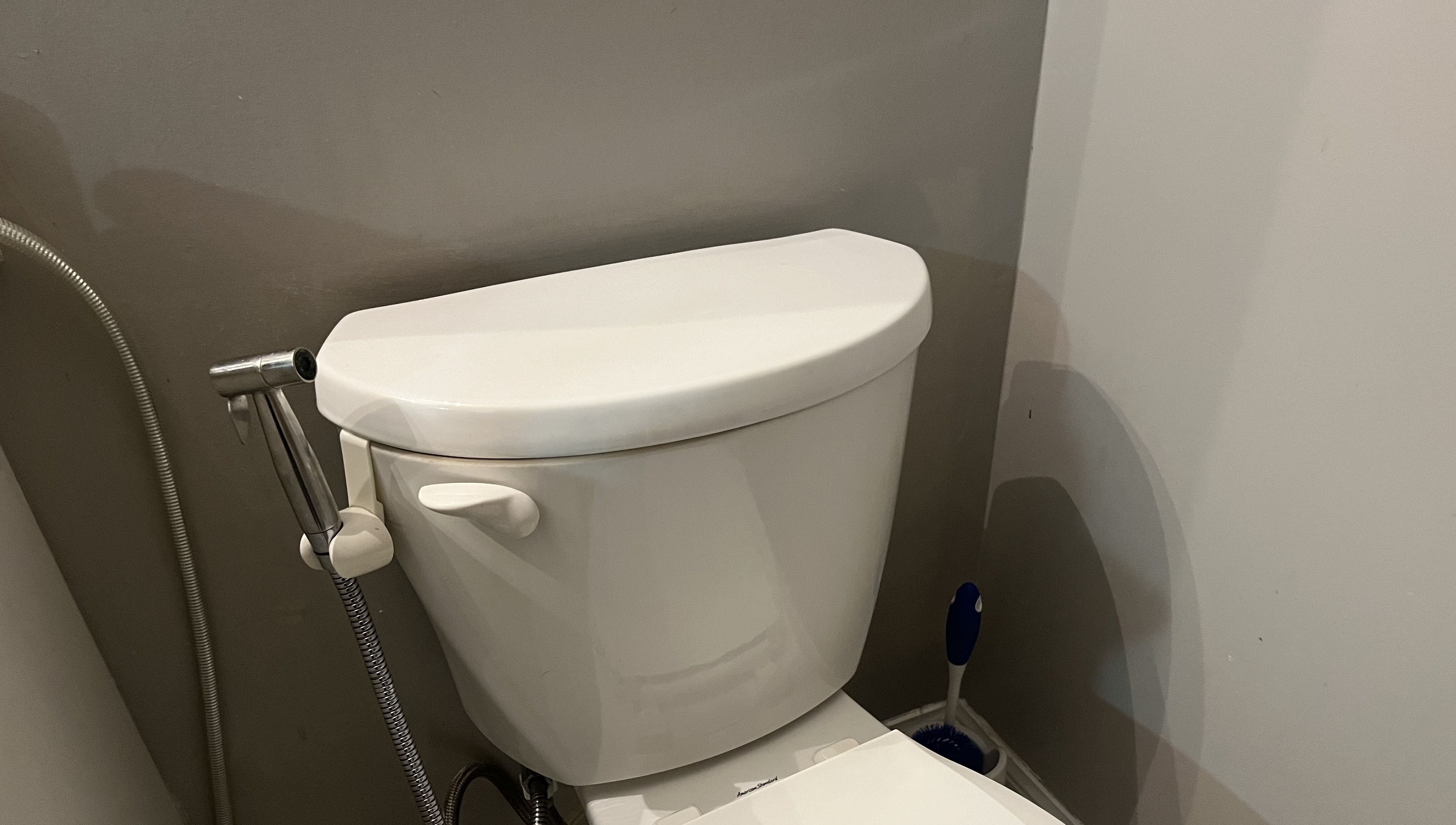
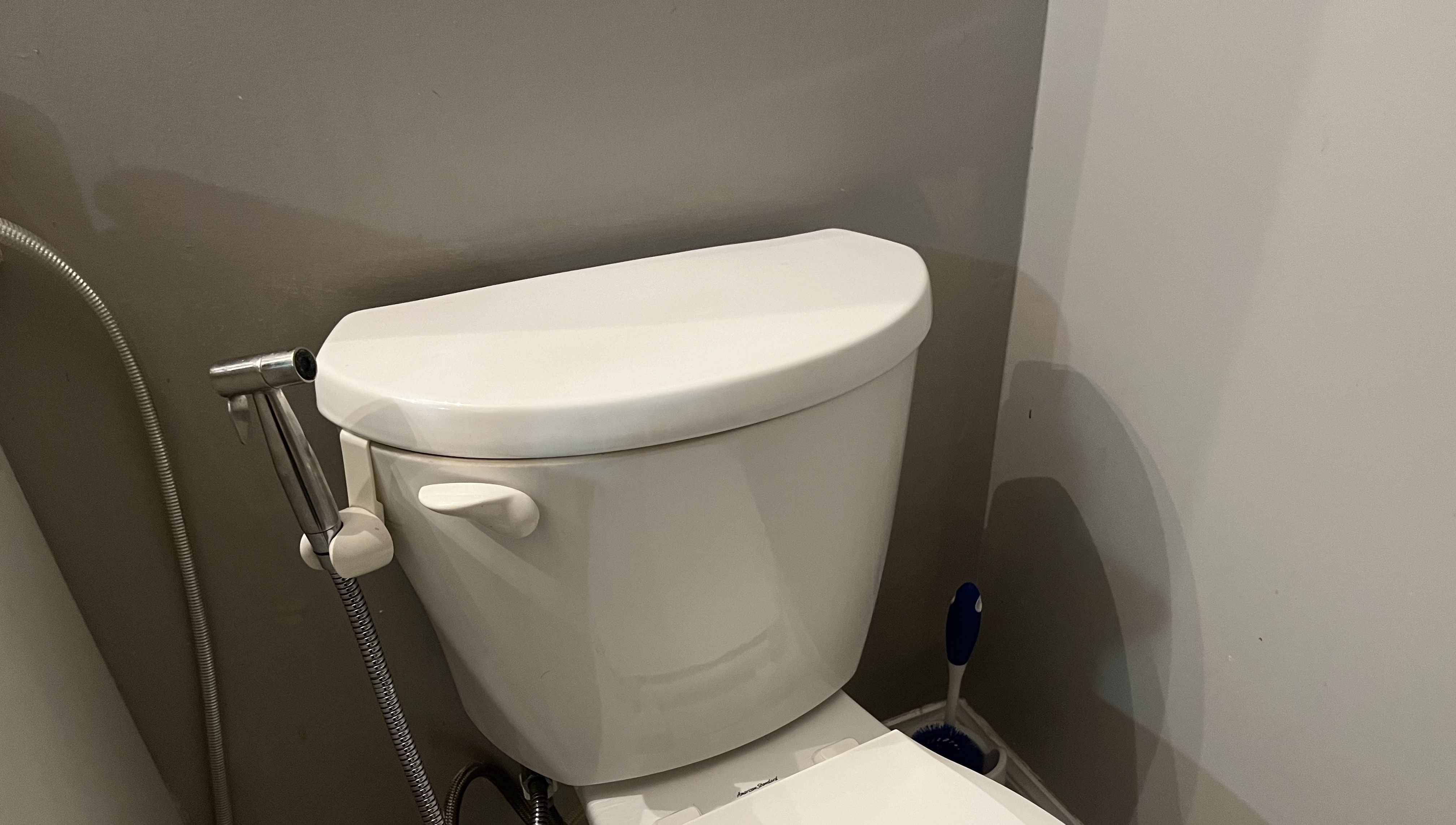
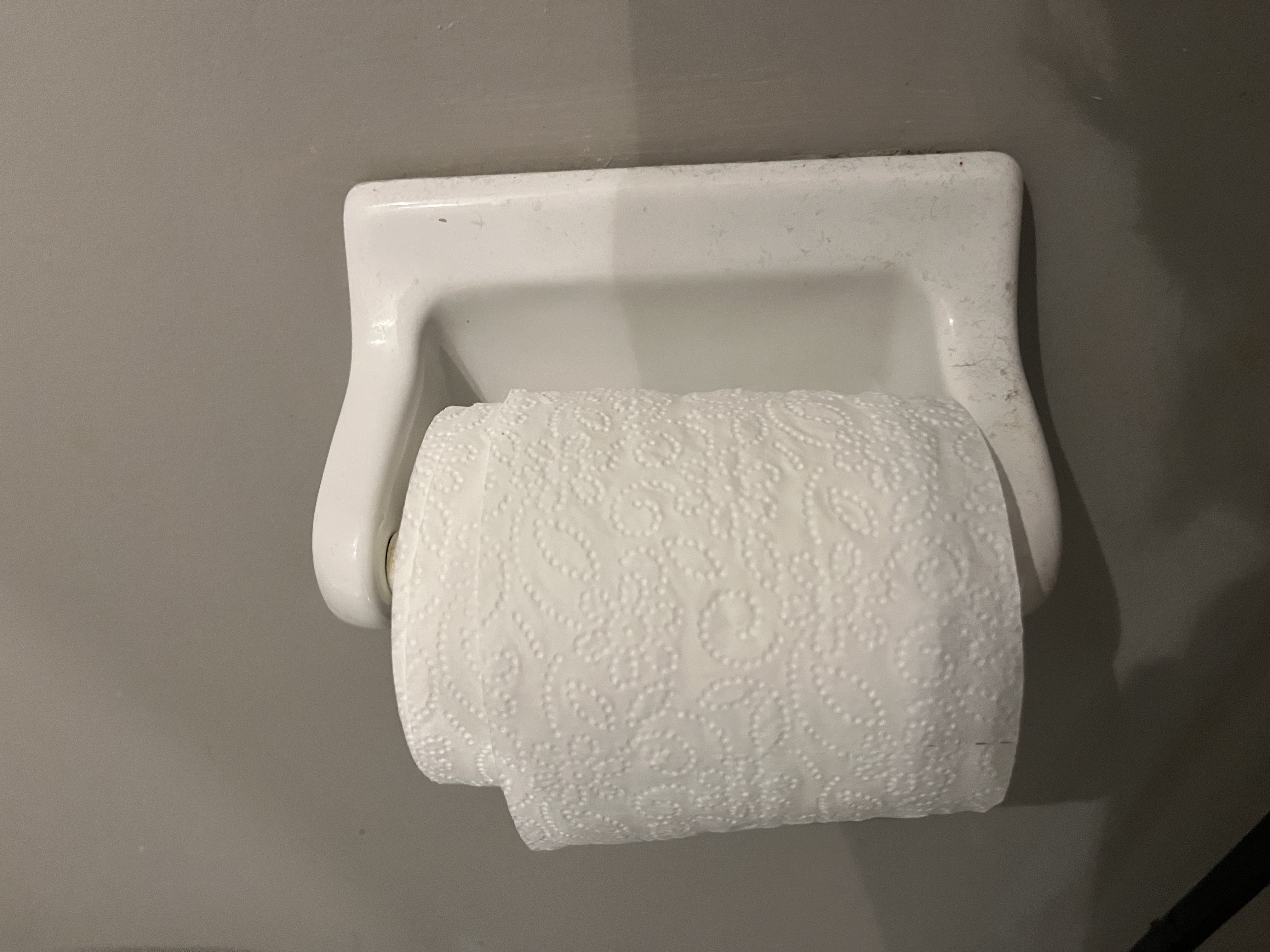
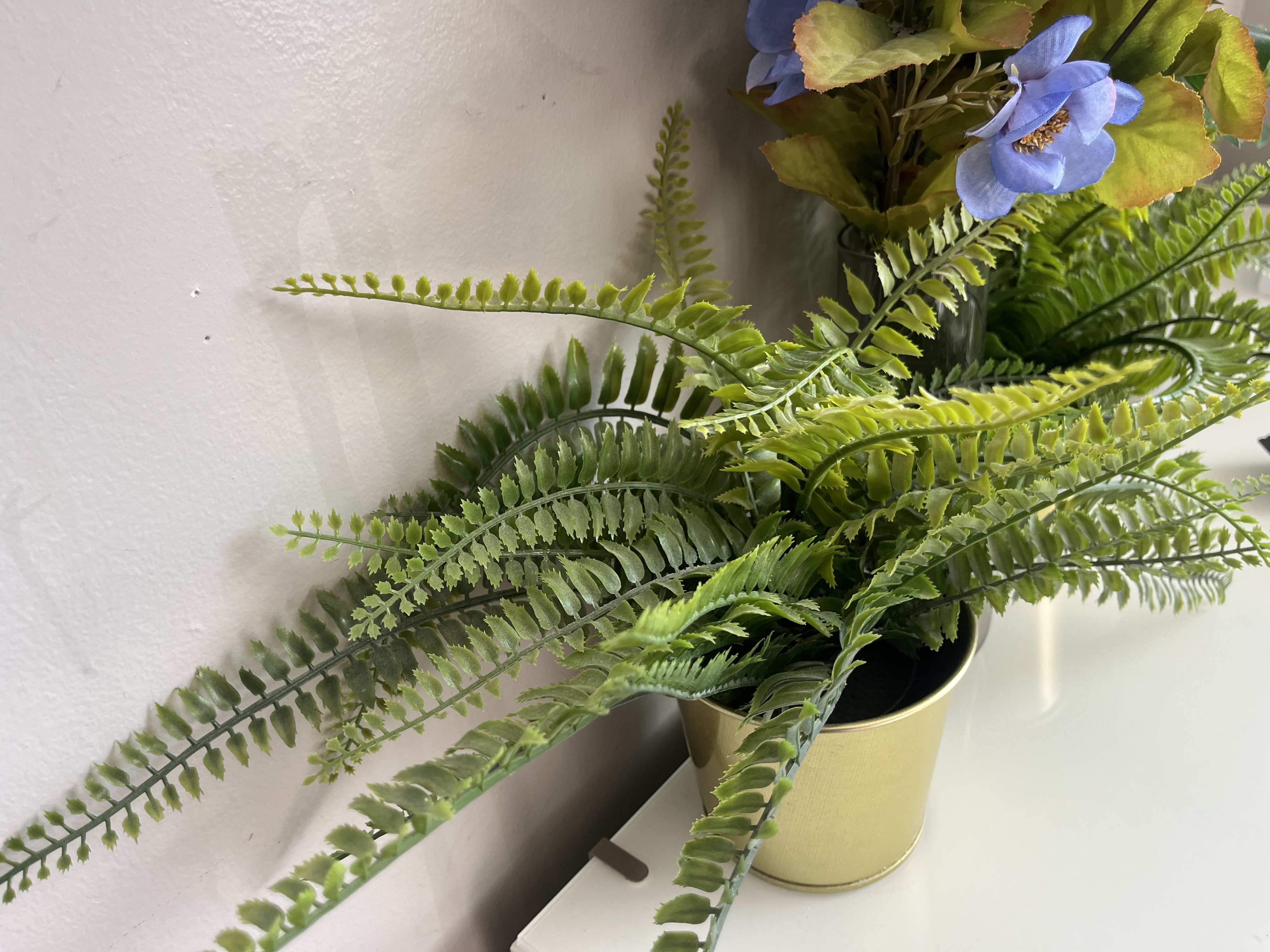
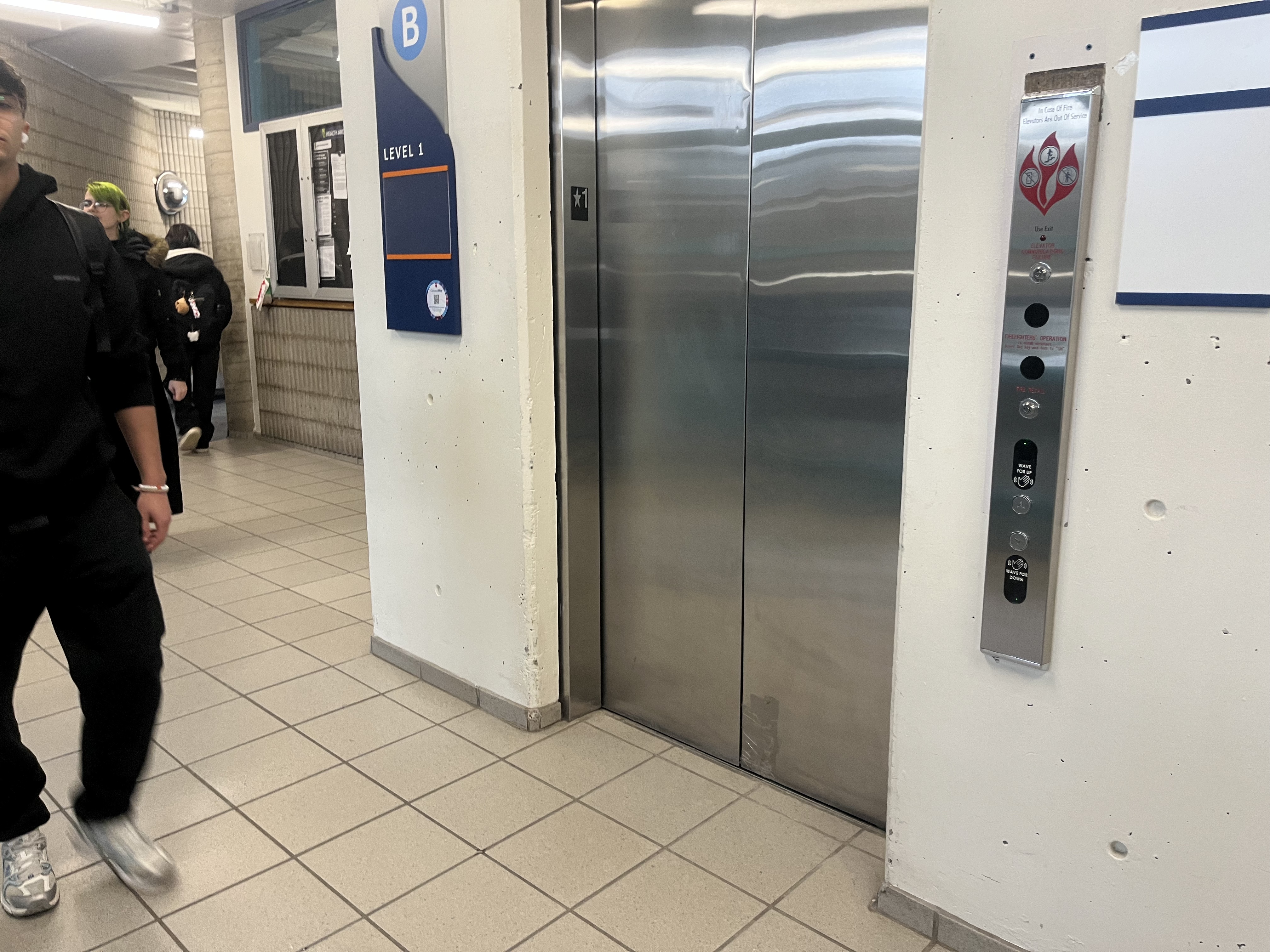
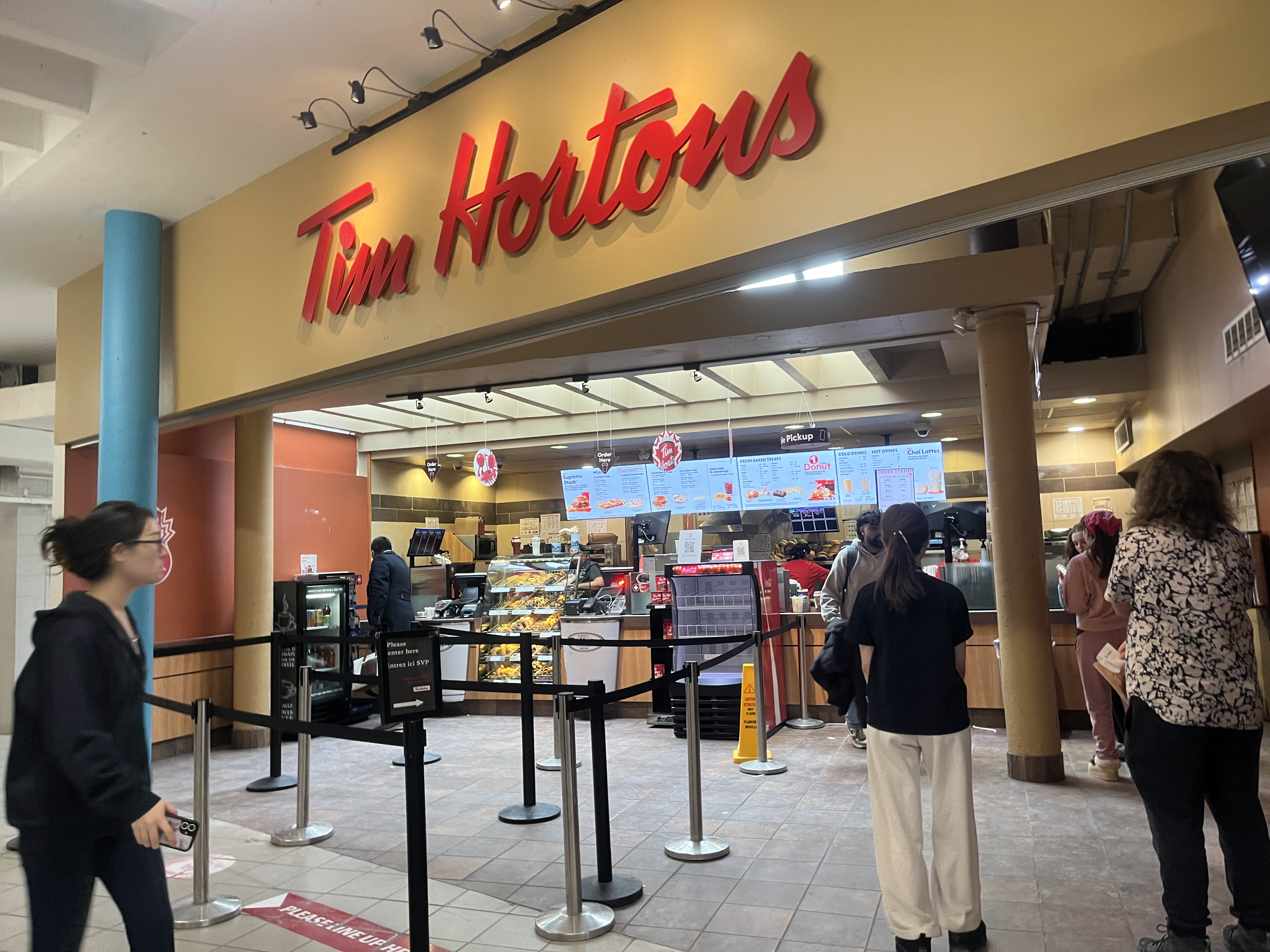
This is the sound of the bottle being shaken up and down, with the liquid inside swishing around. This is the sound of the clothing rack being moved side to side, with the hangers sliding and clacking against the metal rod. This is the sound of the door being opened and then shut, with a soft creak followed by a solid closing thud. This is the sound of a bedside drawer being opened and then shut, with a soft sliding motion followed by a gentle close. This is the sound of a blow dryer being turned on at its highest setting and then shut off, starting with a loud burst of air followed by a quick stop. This is the sound of the hairspray nozzle being pressed, with three short sprays applied directly to my hair. This is the sound of the lotion pump being pressed, dispensing the product with a soft, squishing motion. This is the sound of the make-up drawer set being opened and then shut, with a light sliding motion followed by a soft close. This is the sound of a stack of papers being shuffled, creating a soft, quick rustling noise as the sheets slide against each other in rapid, light movements. This is the sound of the powder cleanser being shaken up and down, creating a soft, dry rattling noise as the powder shifts inside the container. This is the sound of the printer printing, producing a steady mechanical whirring with rhythmic clicking and rolling noises as the paper feeds through. This is the sound of the printer printing, producing a steady mechanical whirring with rhythmic clicking and rolling noises as the paper feeds through. This is the sound of the printer’s output tray being adjusted, creating a light plastic click followed by a soft sliding noise as it moves into place. This is the sound of the compact powder lid being opened and closed, making a soft plastic click as it snaps shut and a light pop when it opens. This is the sound of the setting spray being used repeatedly, creating a series of short, airy bursts with a fine mist spraying out This is the sound of the setting spray being shaken, producing a soft liquid sloshing inside the bottle with a light, rhythmic swishing as it moves up and down. This is the sound of an empty shampoo bottle being squeezed, producing a hollow, airy whistling as air escapes through the opening This is the sound of the pump being pressed, creating a soft, damp push followed by a slight suction sound as it returns to its original position. This is the sound of a stapler being pressed, producing a firm metal click as the staple is driven through the papers, followed by a slight spring-back release. This is the sound of the toilet being flushed, starting with a quick handle click followed by a loud rush of water swirling and draining, gradually fading as the tank refills with a steady, quieter flow. This is the sound of the toilet lid being dropped down, producing a quick, solid thud as it hits the seat. This is the sound of the toilet paper roll spinning, creating a soft, hollow rattling with a light plastic or cardboard rotation noise as it turns on the holder. This is the sound of fake plant leaves rustling, producing a light, dry plastic brushing noise with soft, crinkly movements as the leaves shift against each other. This is the sound of a full elevator experience, including the button being pressed, the doors opening, people stepping in, the elevator moving, reaching a floor, and the doors closing. I recorded this with my group, along with other sounds, because I wanted to capture more than just a single moment. Instead of one sound, this shows a full experience that people can easily imagine without being there. This is the sound of Tim Hortons, with background noise from people, machines, and orders being made. I recorded this with my group along with other sounds because I wanted to capture everyday environments we don’t usually pay attention to. When I listened back, I noticed a consistent beeping sound from a machine every few seconds which is something I never noticed before even though I go there often. This shows how recording sound can help reveal details we usually ignore.

Activity 2
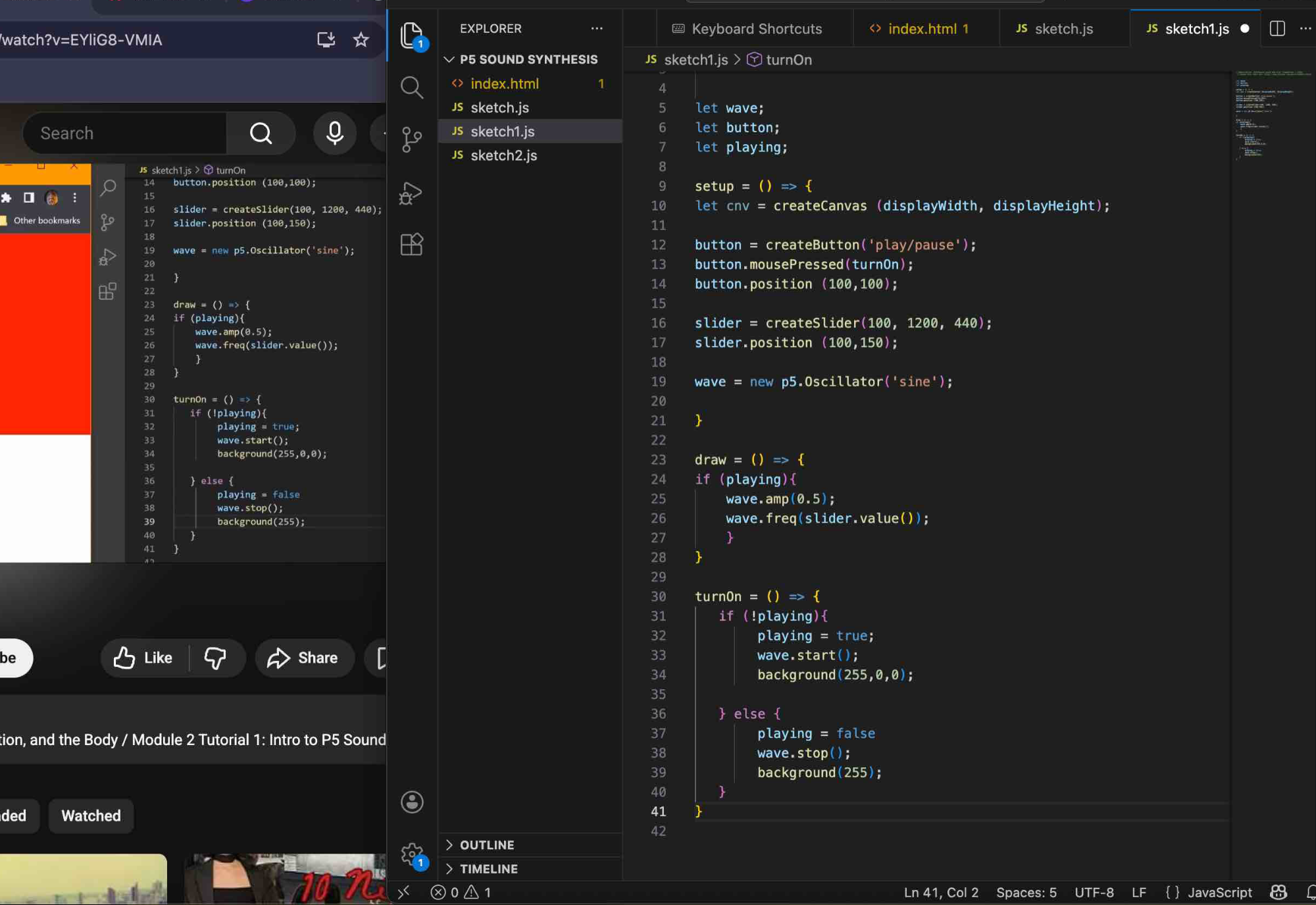
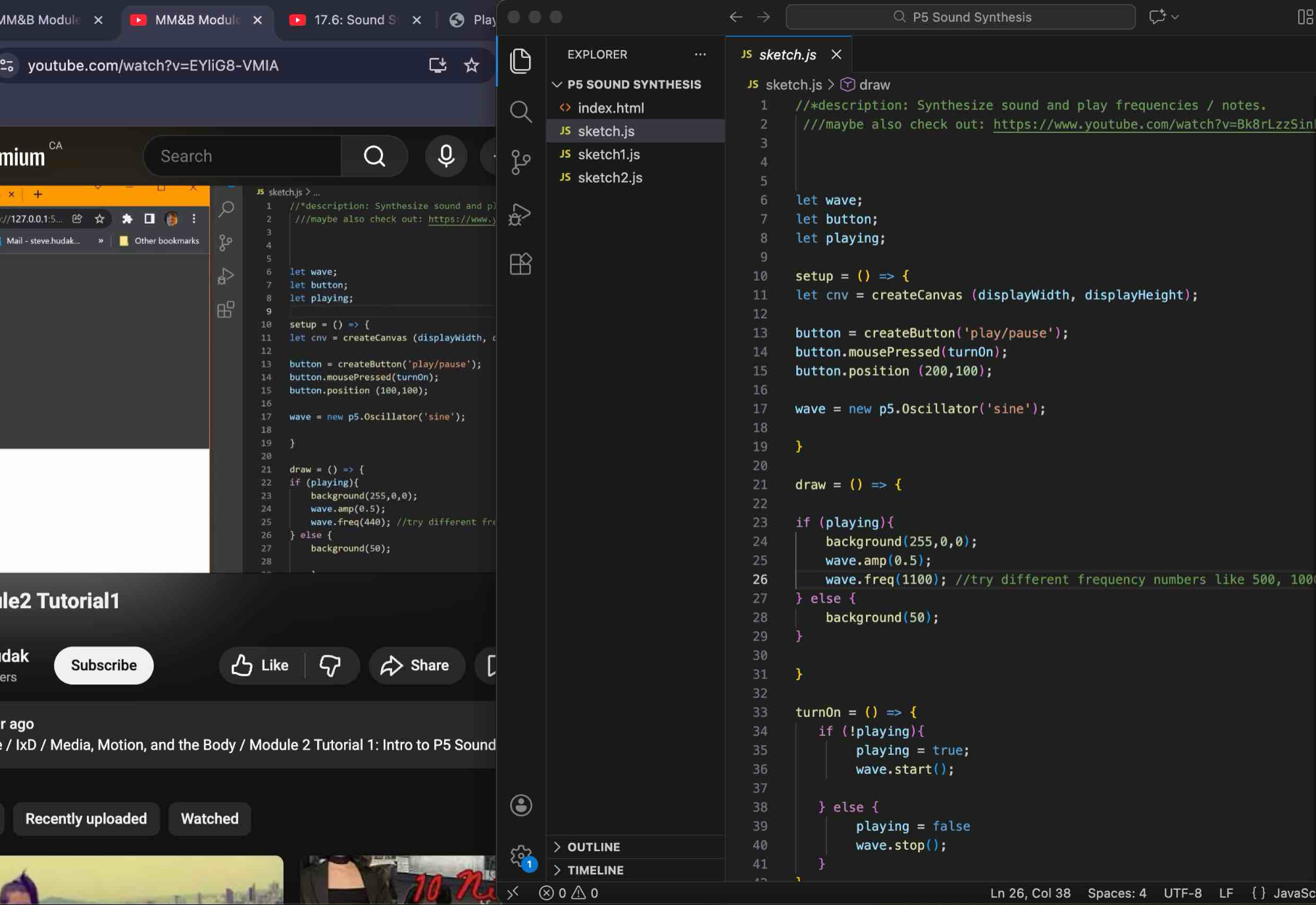
In sketch.js, I was watching the first tutorial and learning how p5.sound works to better understand my resources, which included both the p5.js sound reference and the Coding Train tutorial.
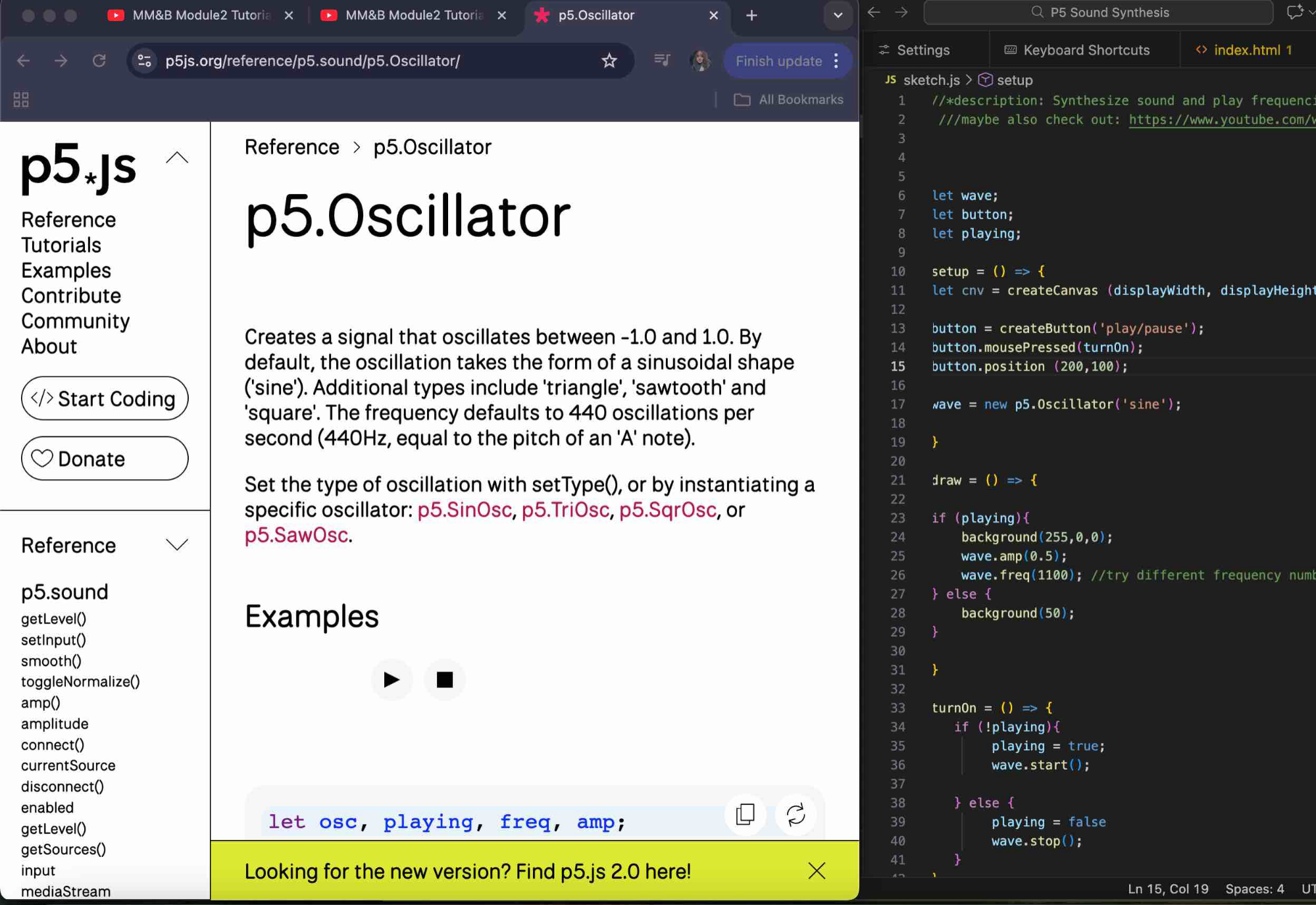
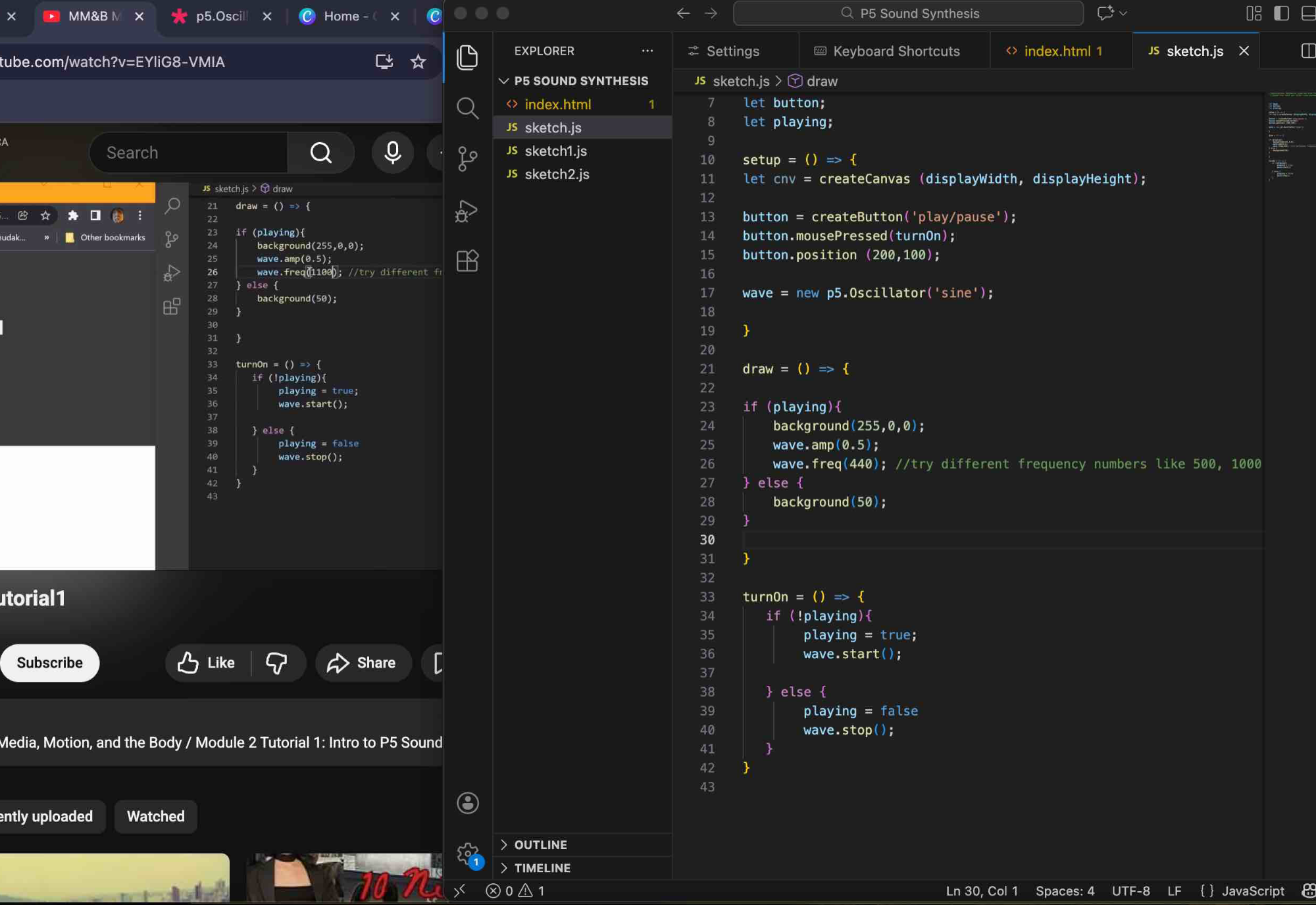
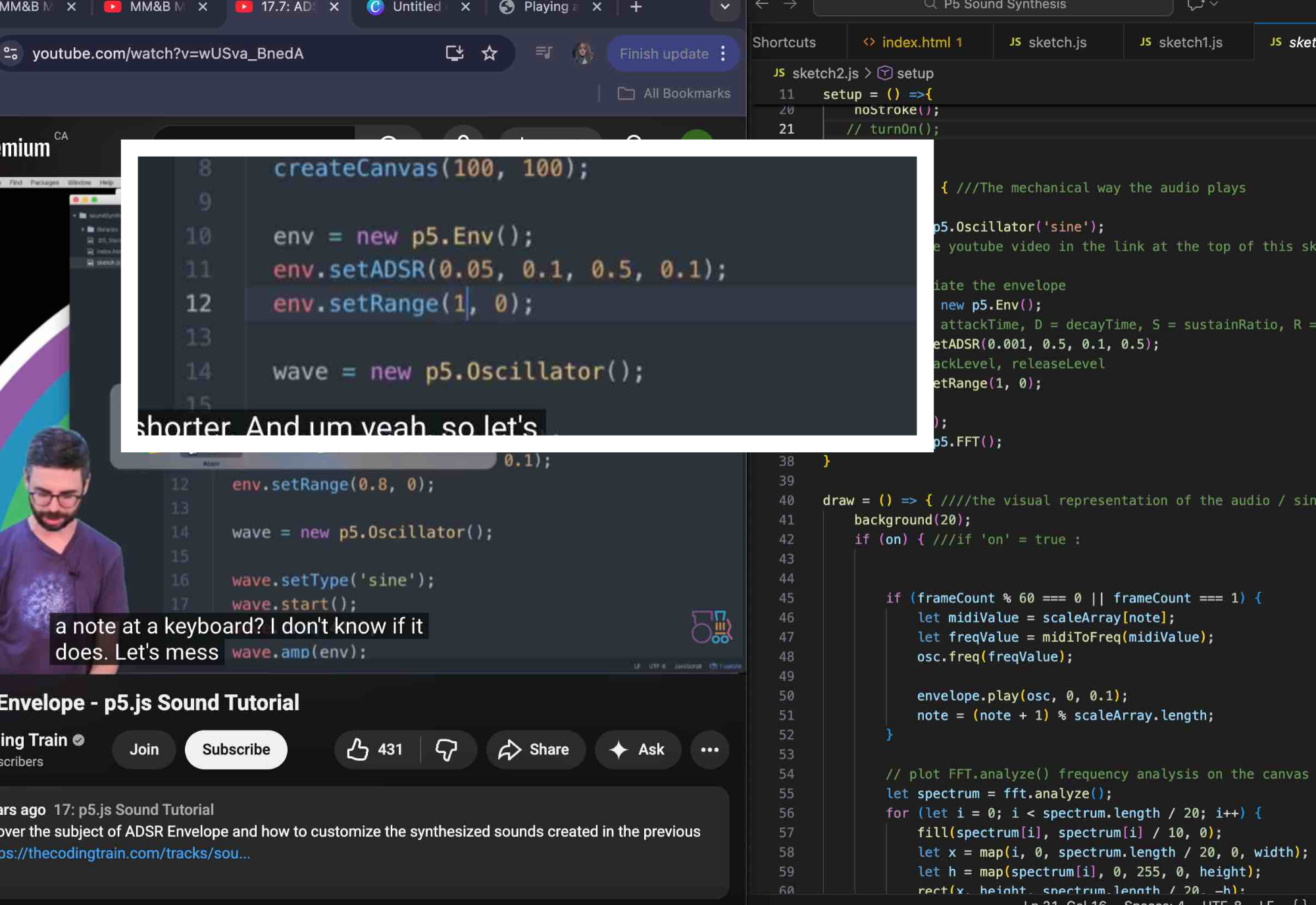
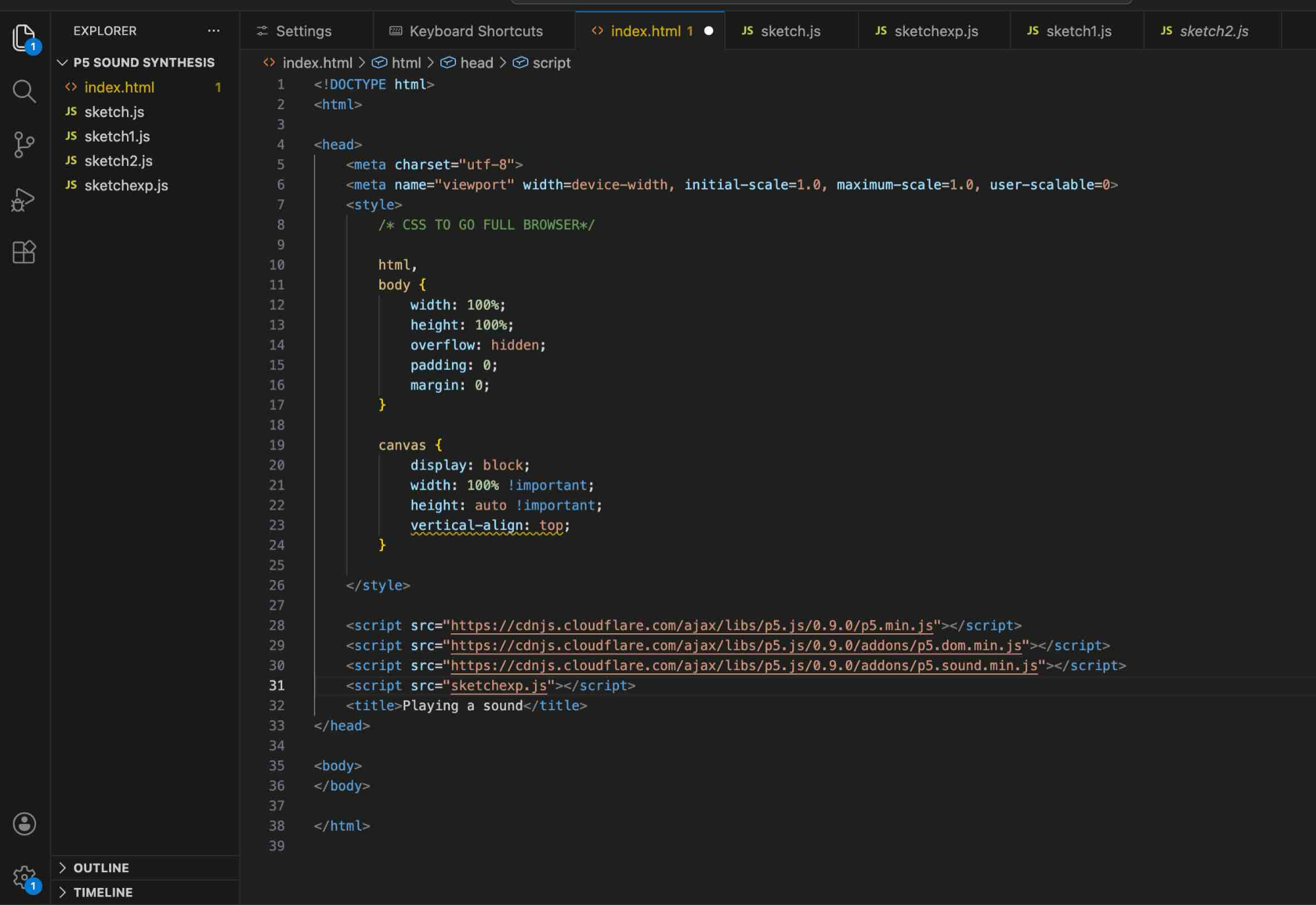
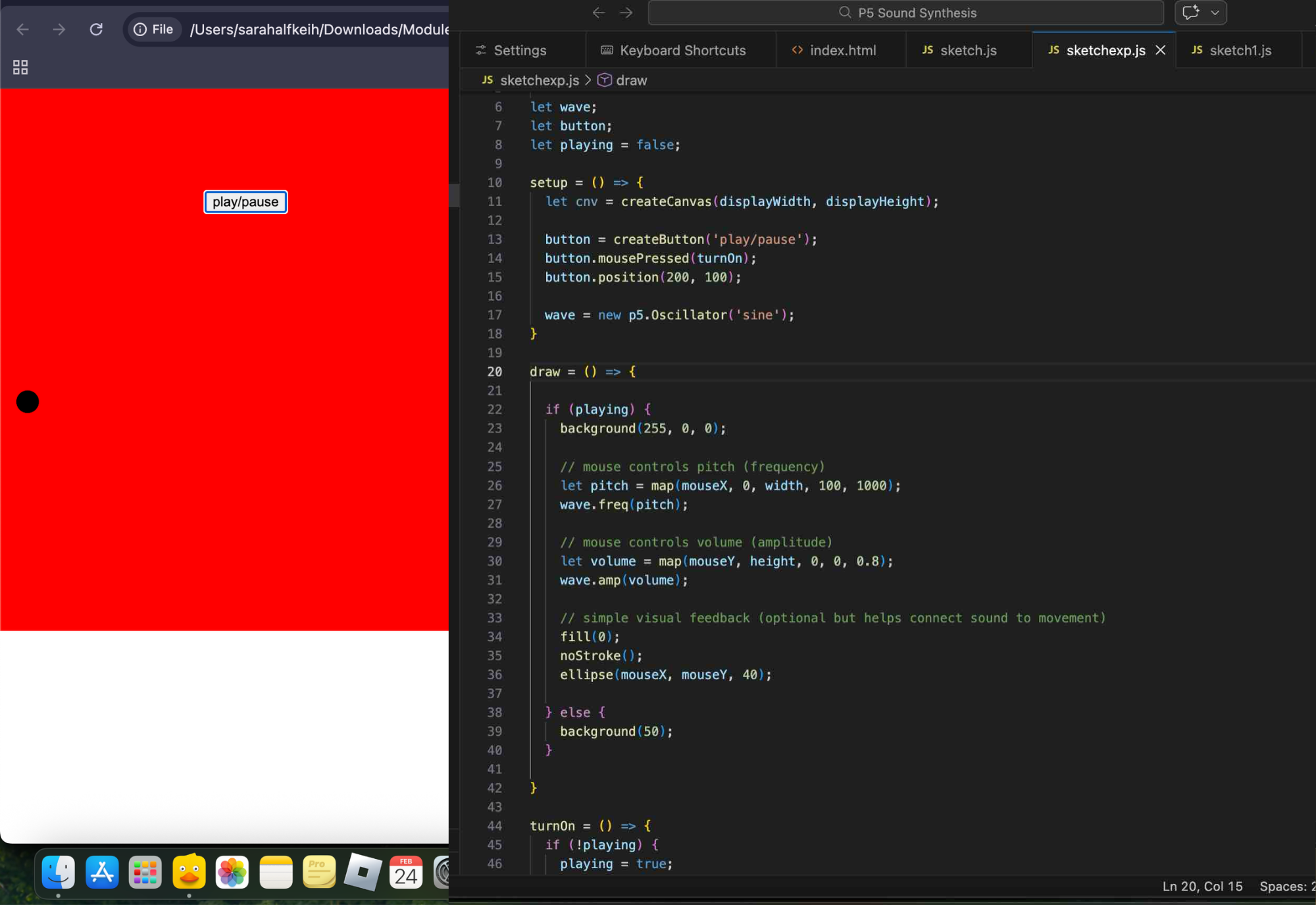
In sketch.js, I checked out p5.Oscillator, as shown in the tutorial, to understand what it is and how I would incorporate it into the p5 sound synthesis code. In sketch.js, I experimented with if (playing) { wave.freq(440); } to explore pitch, and noticed that higher numbers produce a higher pitch, while lower numbers produce a lower pitch. I also learned that !playing is a boolean negation used to check if the 'playing' state is false, allowing actions to occur only when the visuals are inactive. Here, I chose another JS file, sketch1.js. I changed the background in both turnOn and else, and also experimented with the code. Here, I watched the sketch2.js Coding Train tutorial that was recommended. He explained the stages of the envelope—attack, decay, sustain, and release—and how to use them in p5.Env(). The code that is cut out and pasted with a white border is from the tutorial, where I learned that 0.05 is attack, 0.1 is decay, 0.5 is sustain, and 0.1 is release. In the tutorial, he also demonstrated how these values affect the sound. Over here, I copied the sketch.js that was provided in the p5 sound synthesizer and pasted it into a new file named sketchexp.js. I was already looking at ways to make it my own and even began exploring p5 code that I could incorporate into it. In my sketchexp.js, I added the map() function so mouse movement can control the sound instead of playing one fixed note. Moving the mouse left and right changes the pitch, and moving it up and down changes how loud the sound is. I also added a small circle that follows the mouse so you can visually see where the sound interaction is happening.
<br><br>
Lines of JS code added:
let playing = false;
let pitch = map(mouseX, 0, width, 100, 1000);
wave.freq(pitch);
let volume = map(mouseY, height, 0, 0, 0.8);
wave.amp(volume);
fill(0);
noStroke();
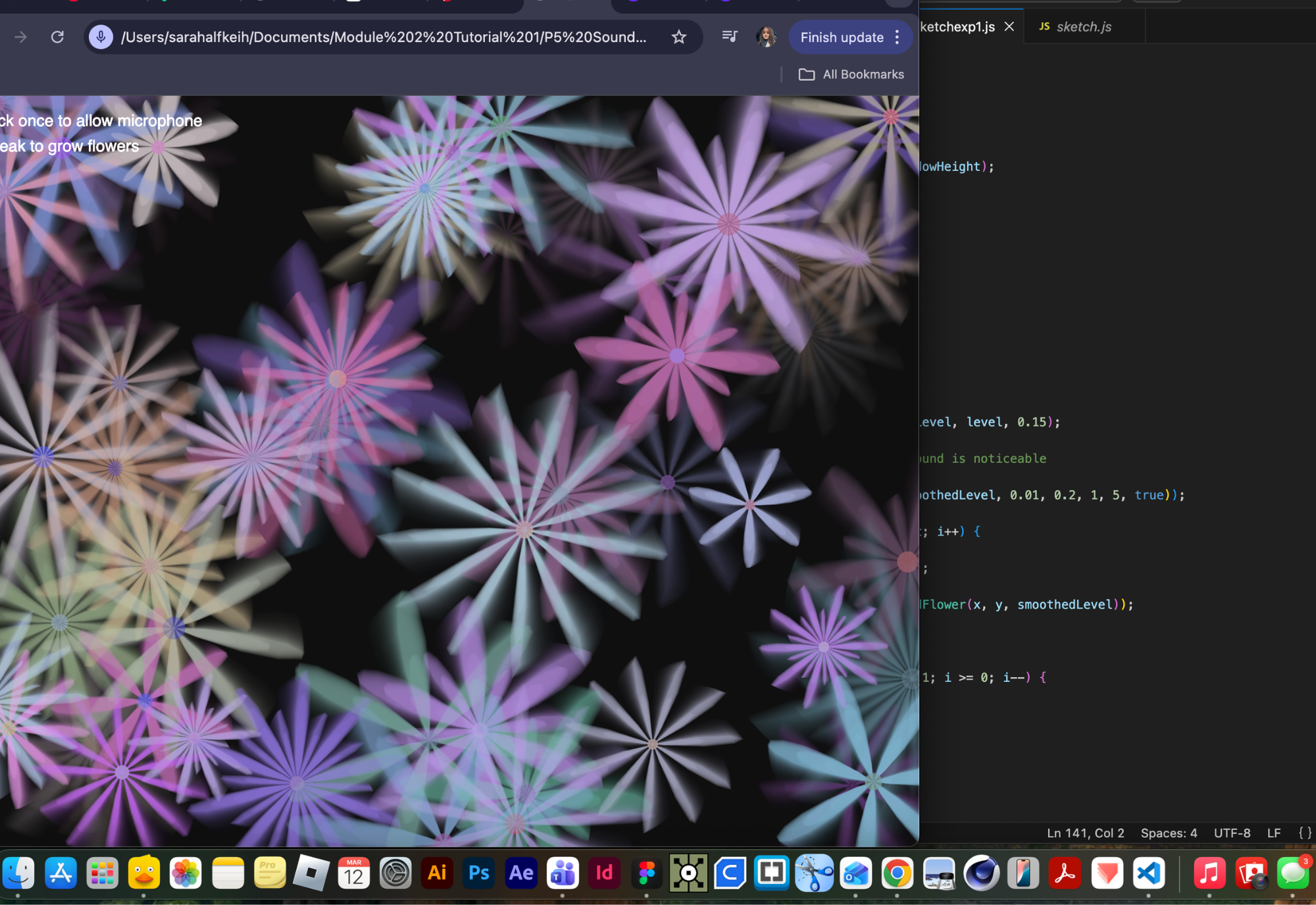
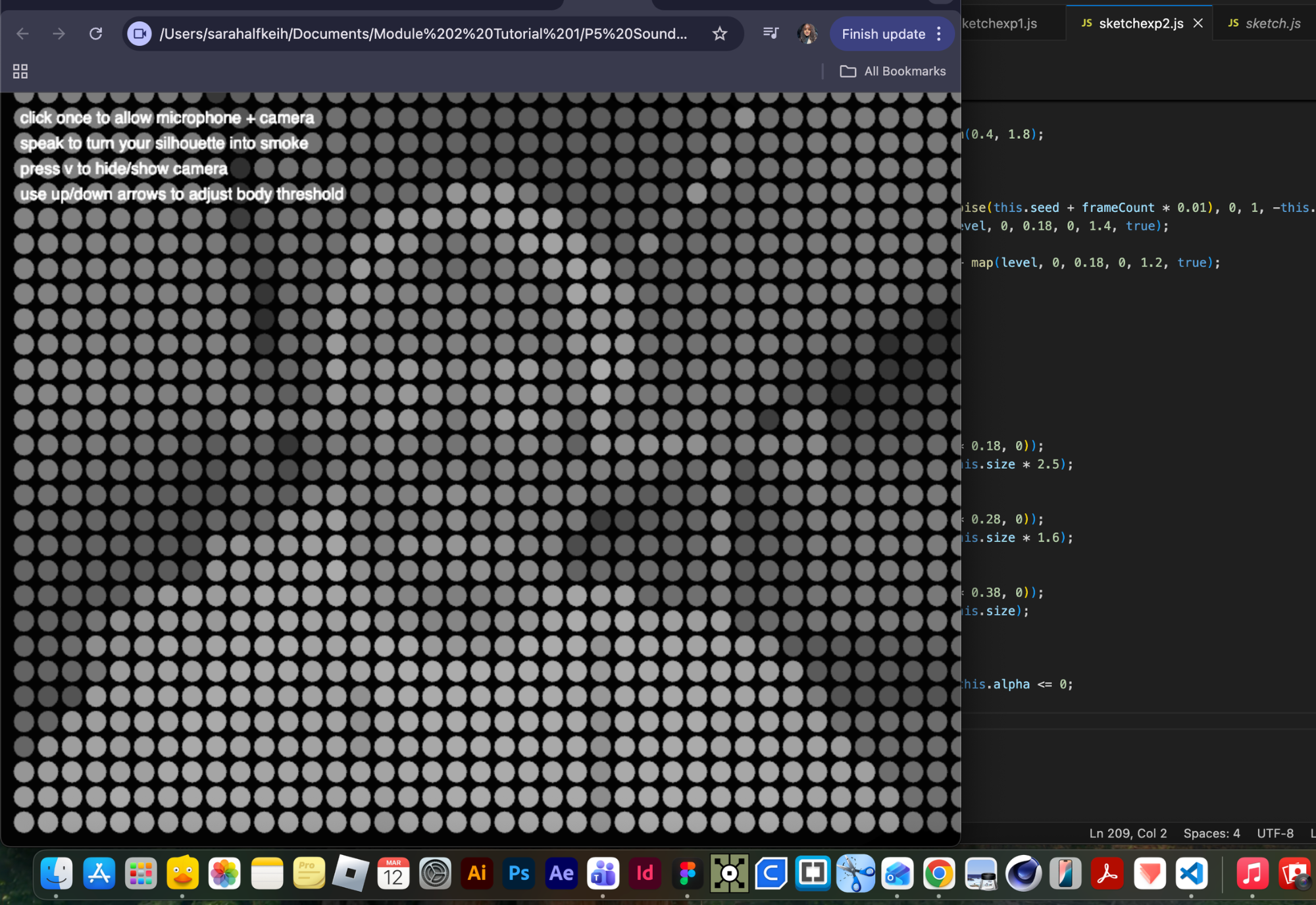
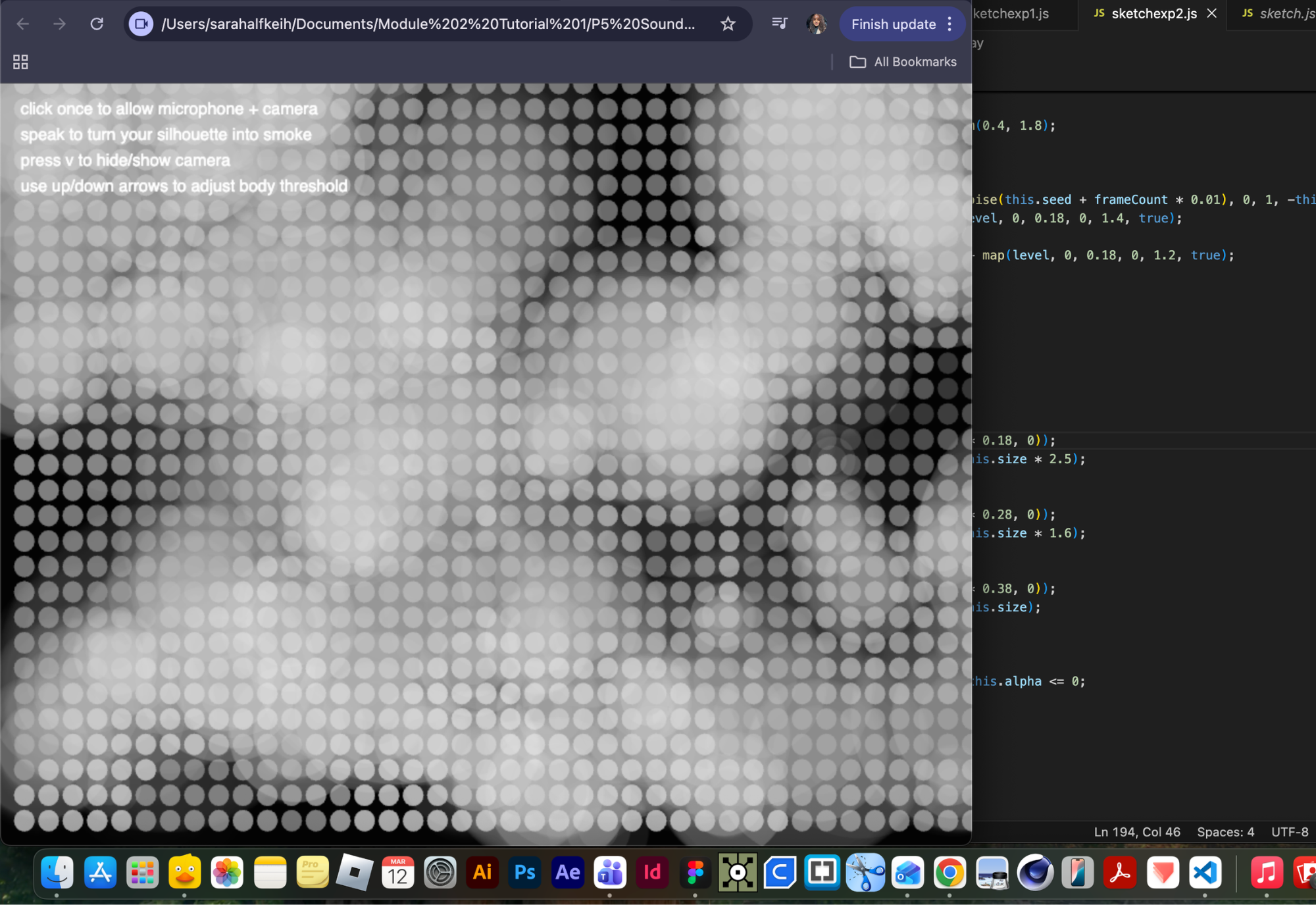
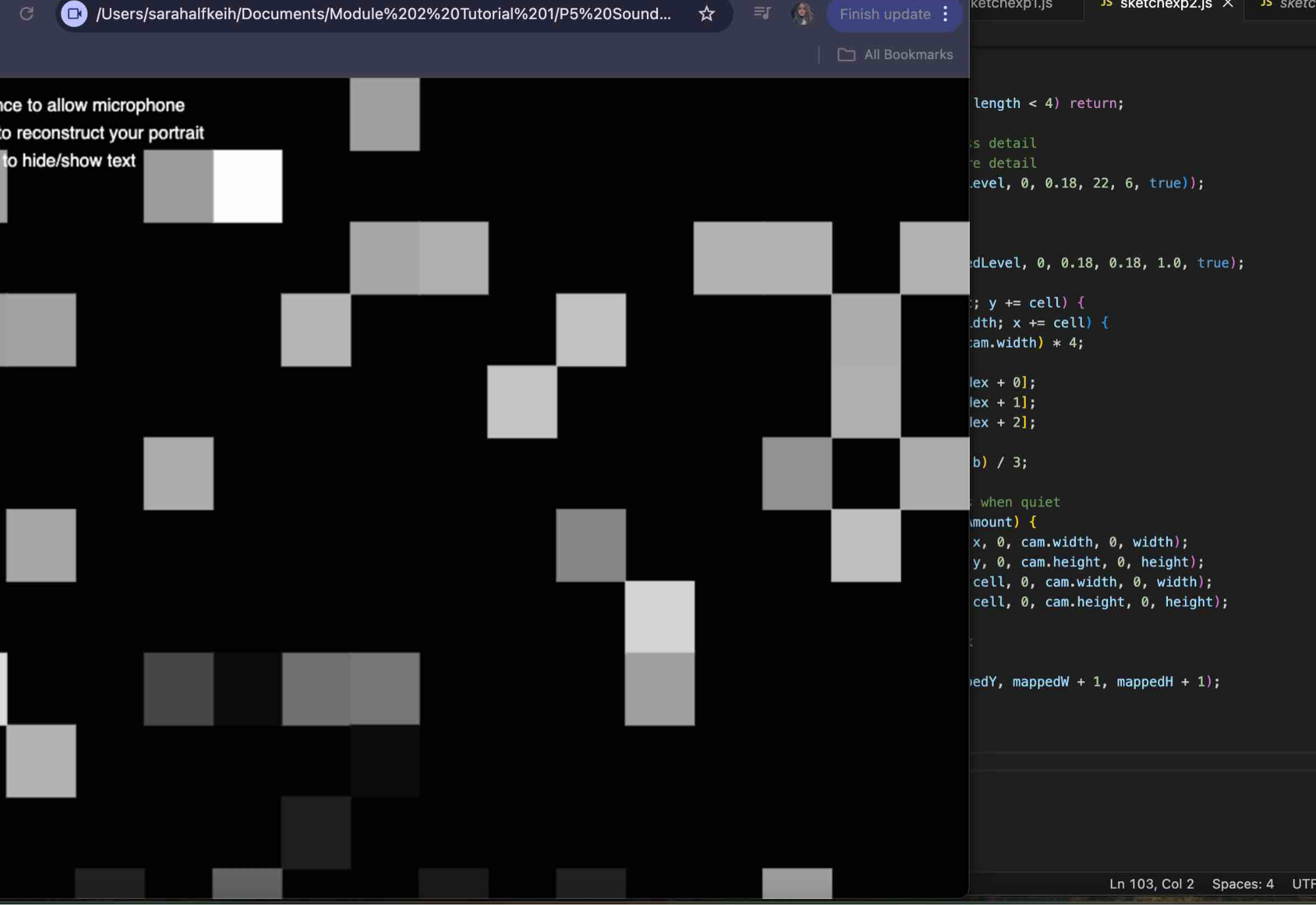
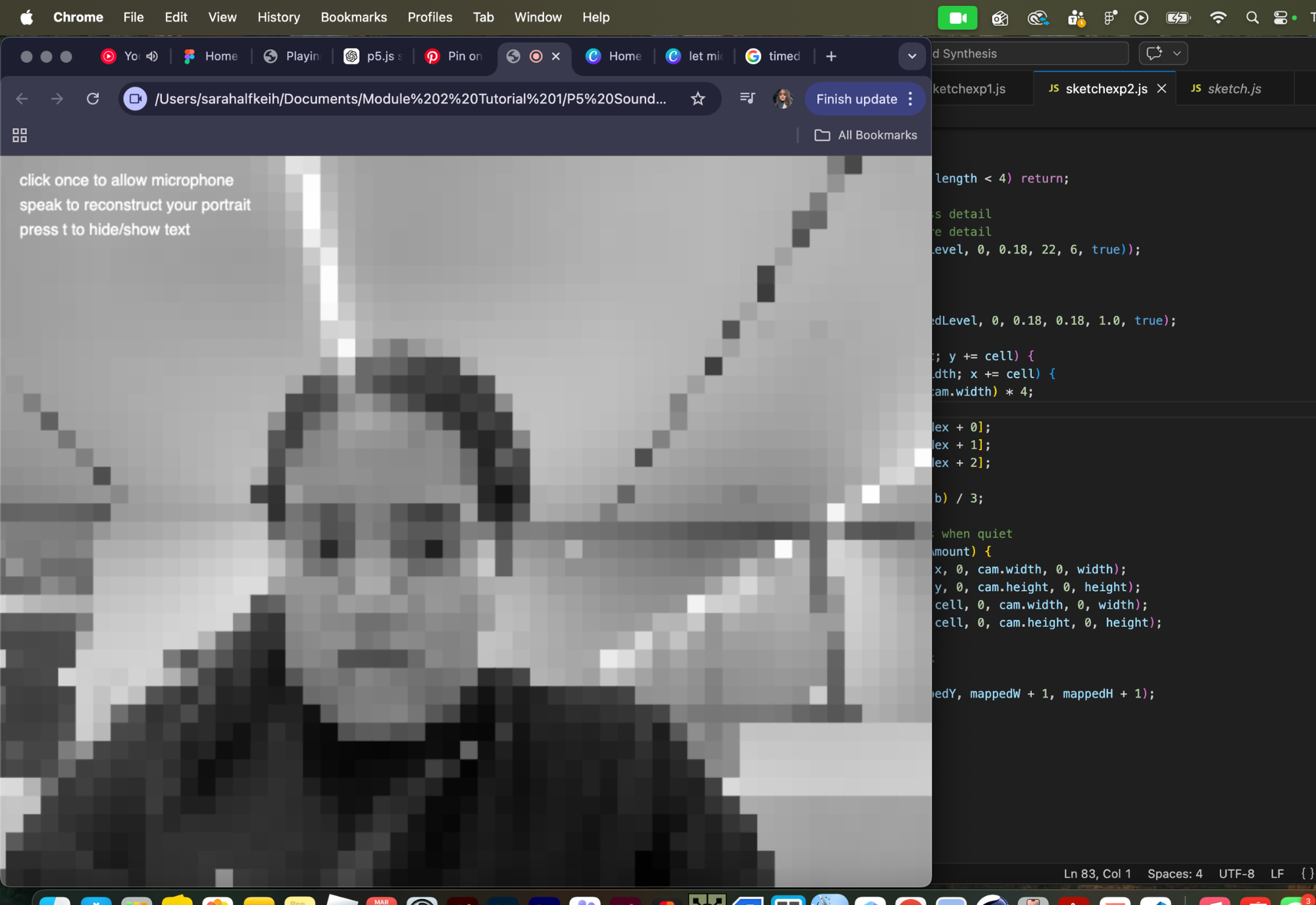
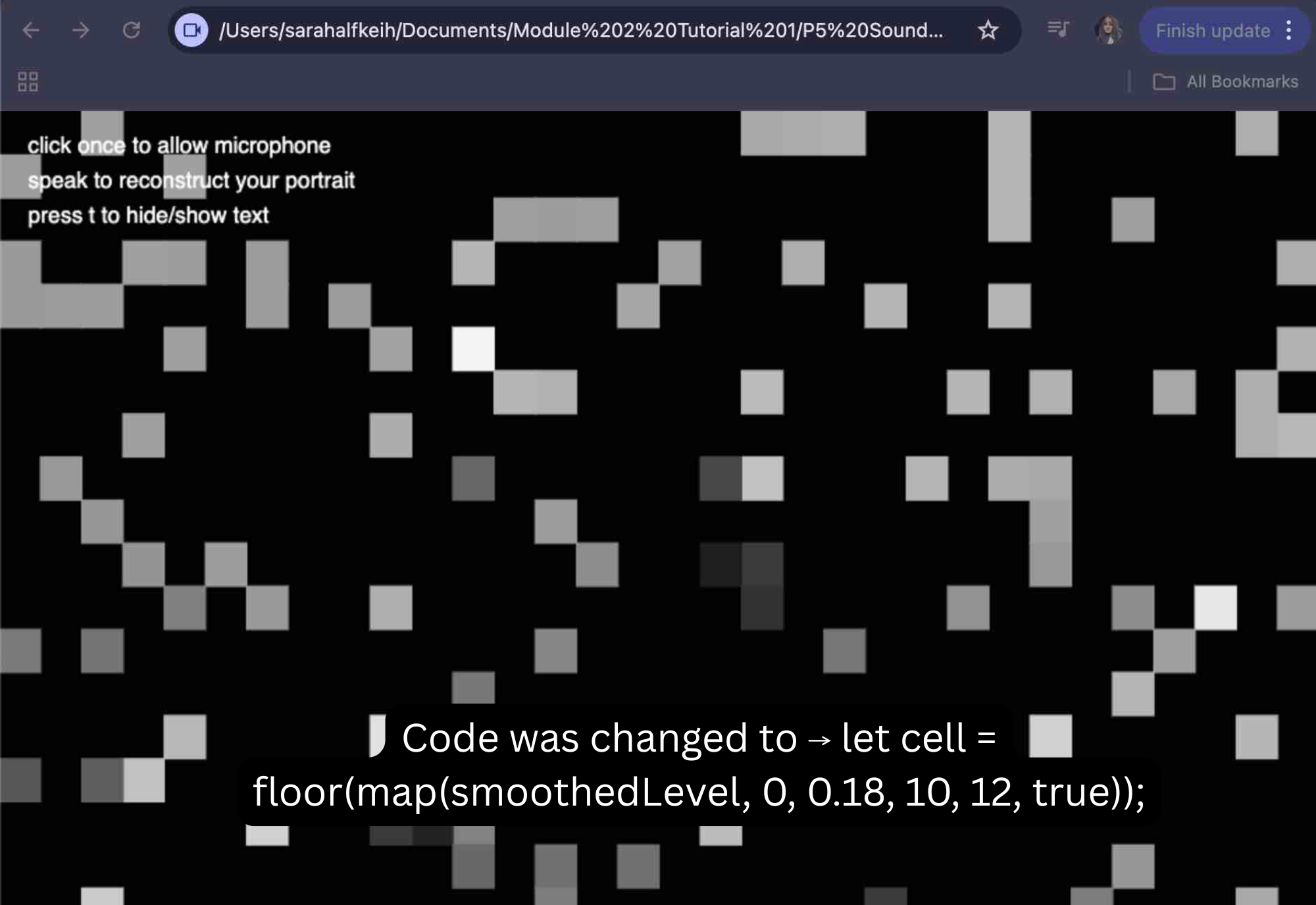
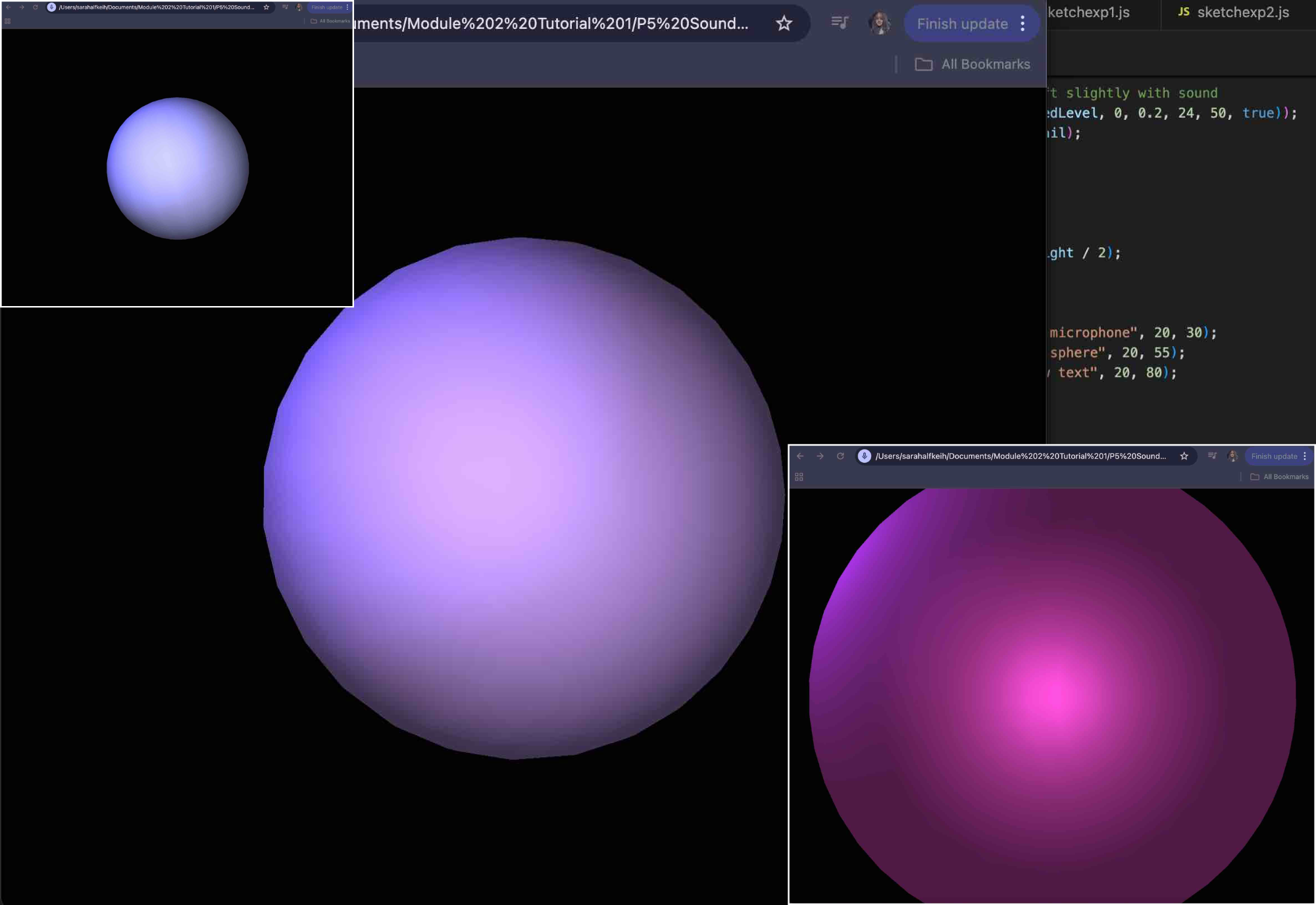
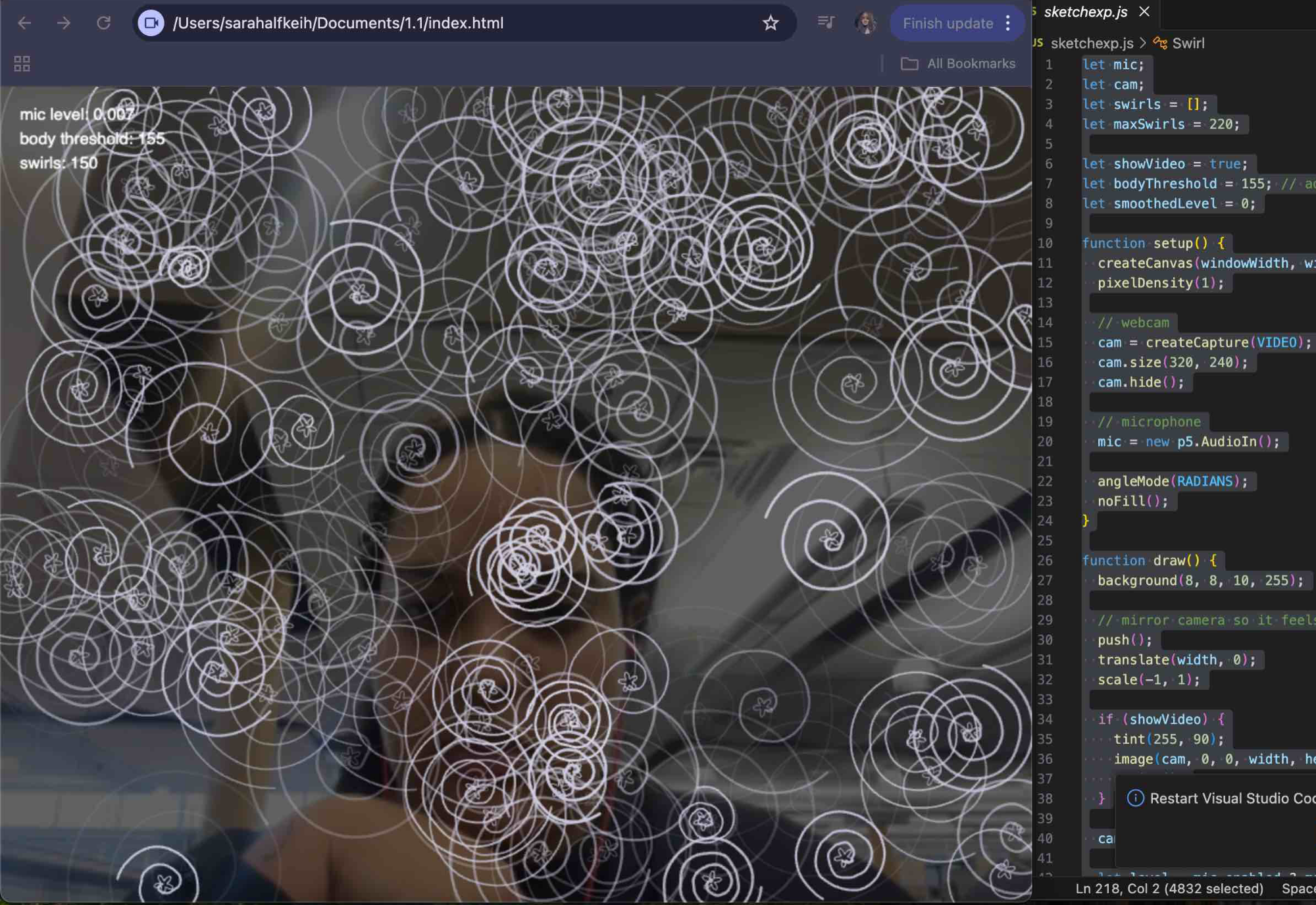
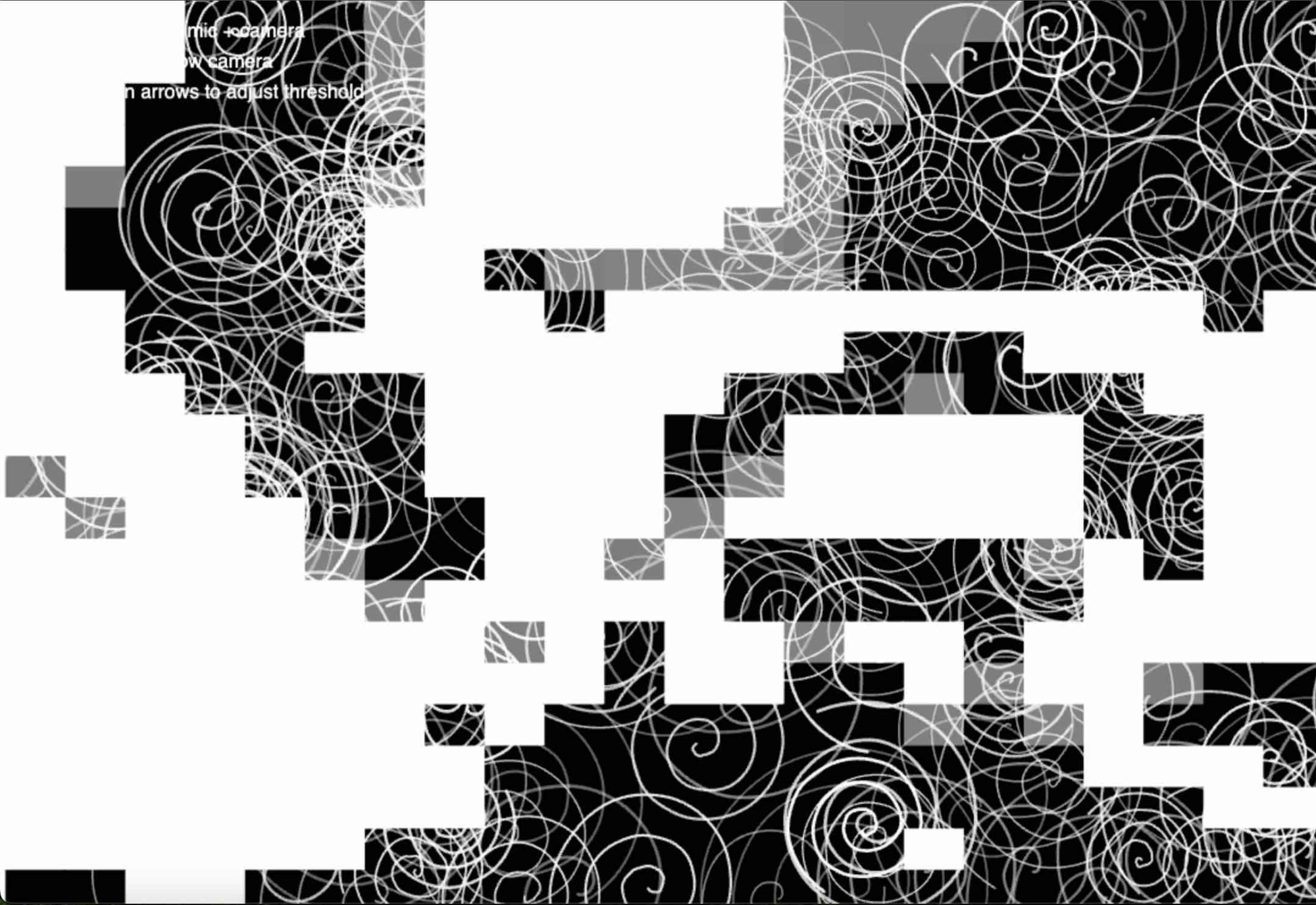
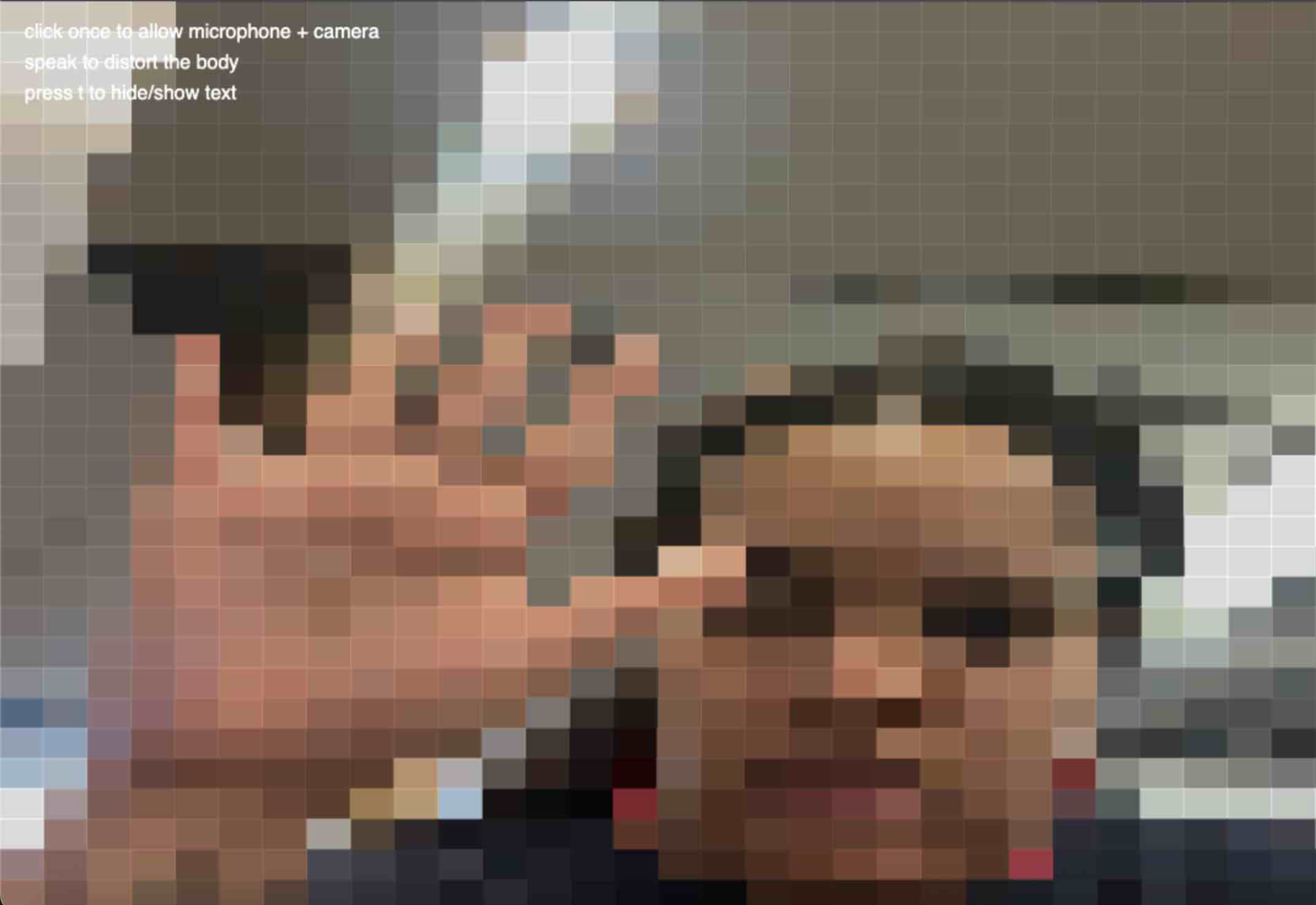
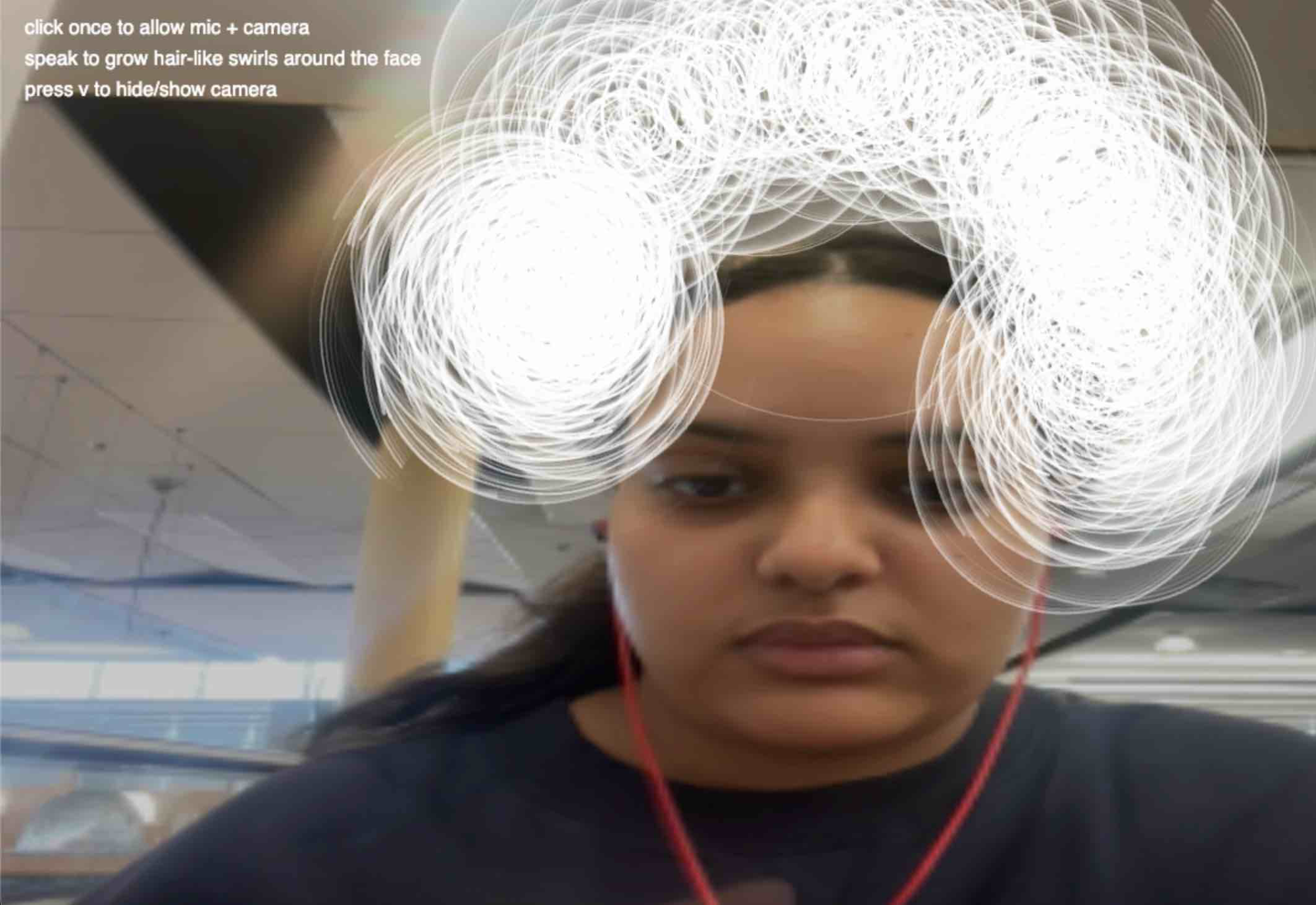
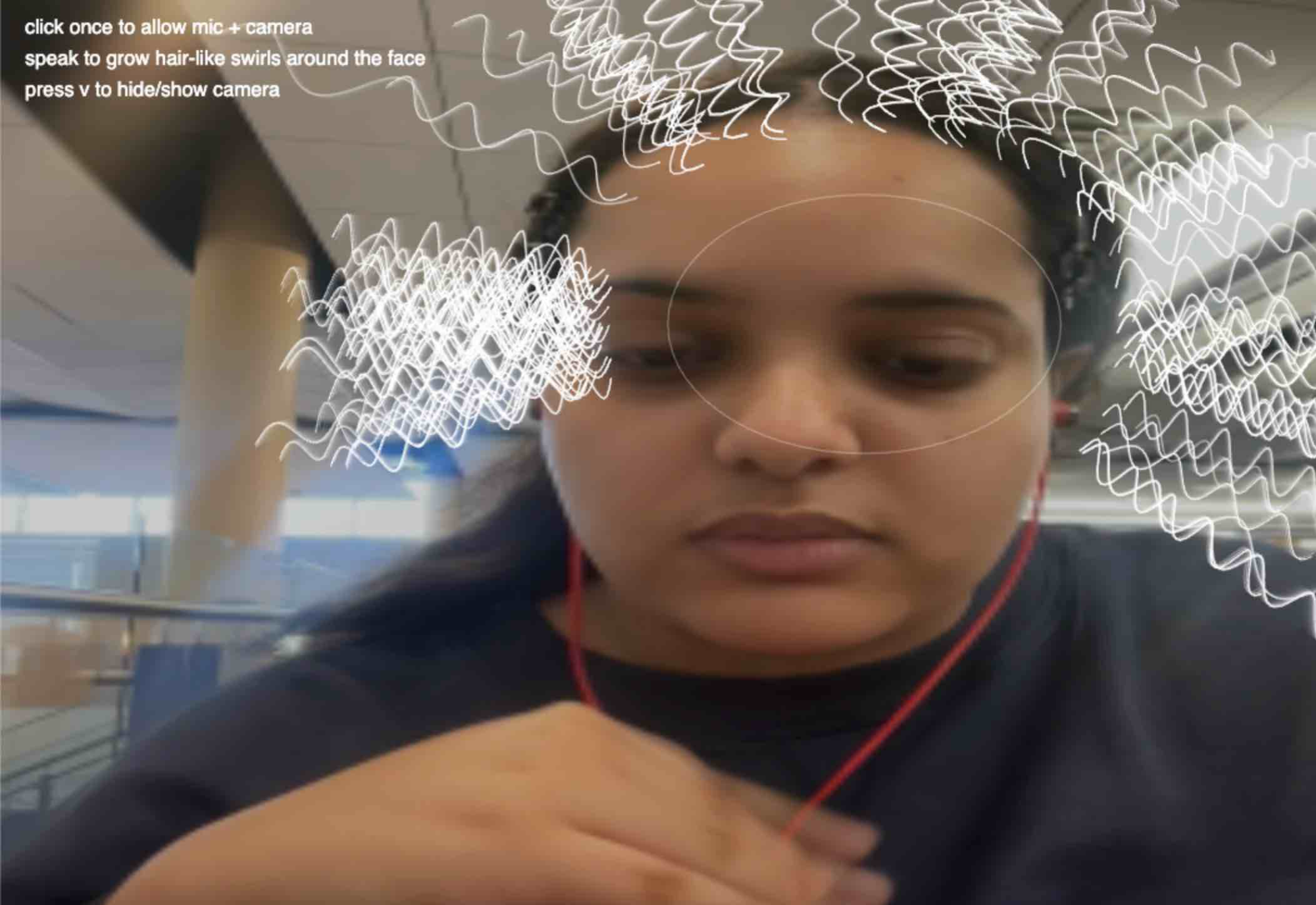
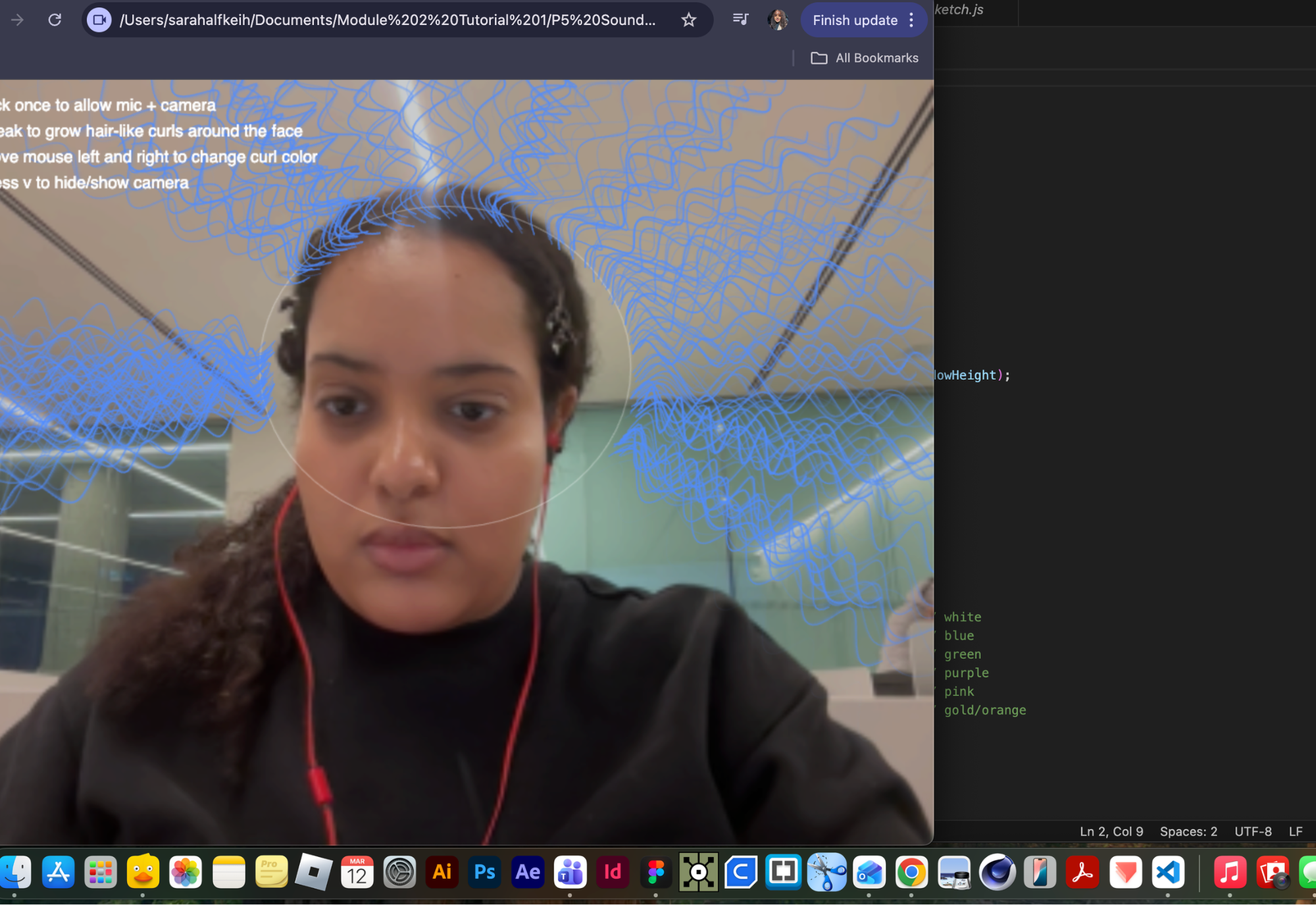
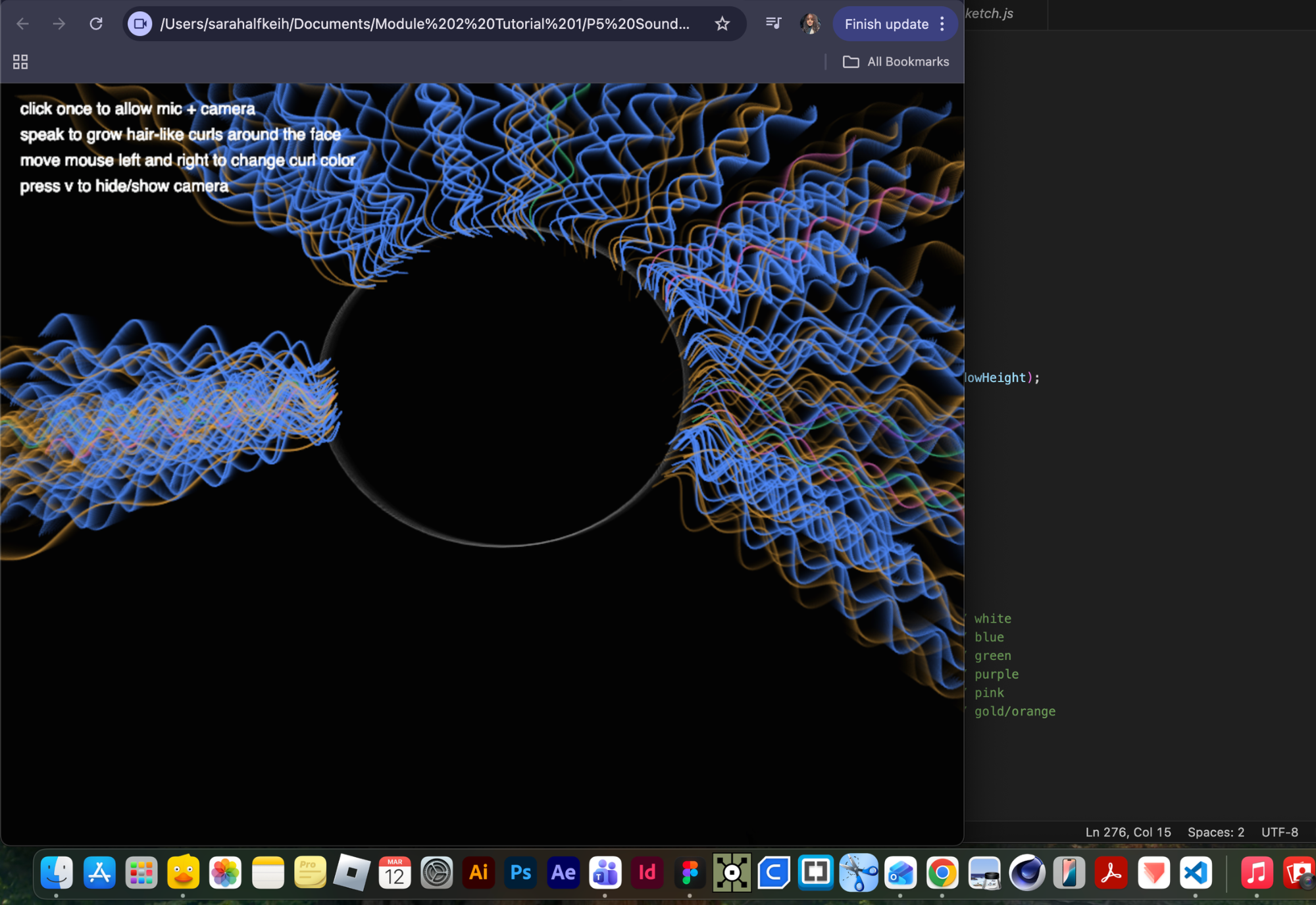
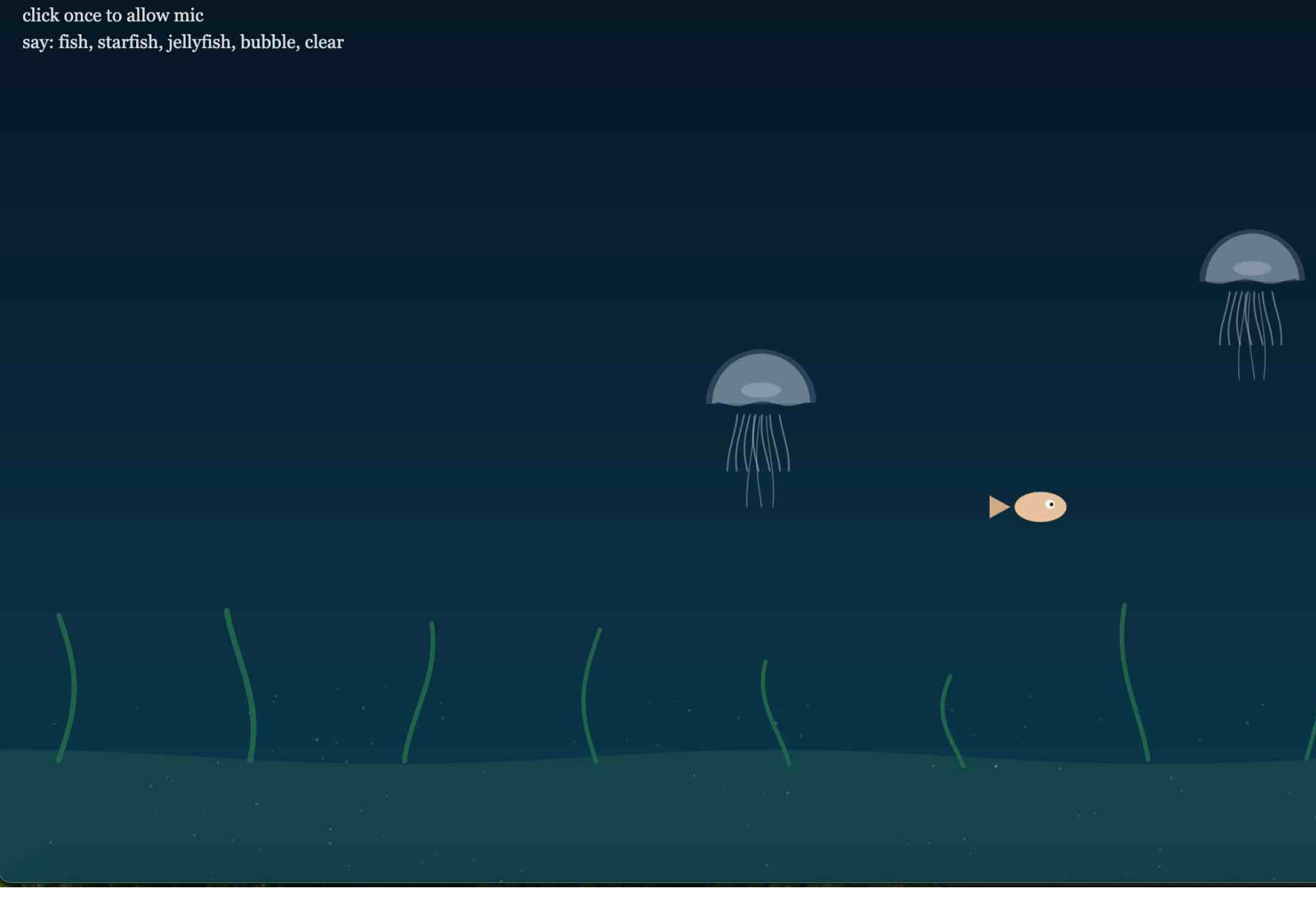
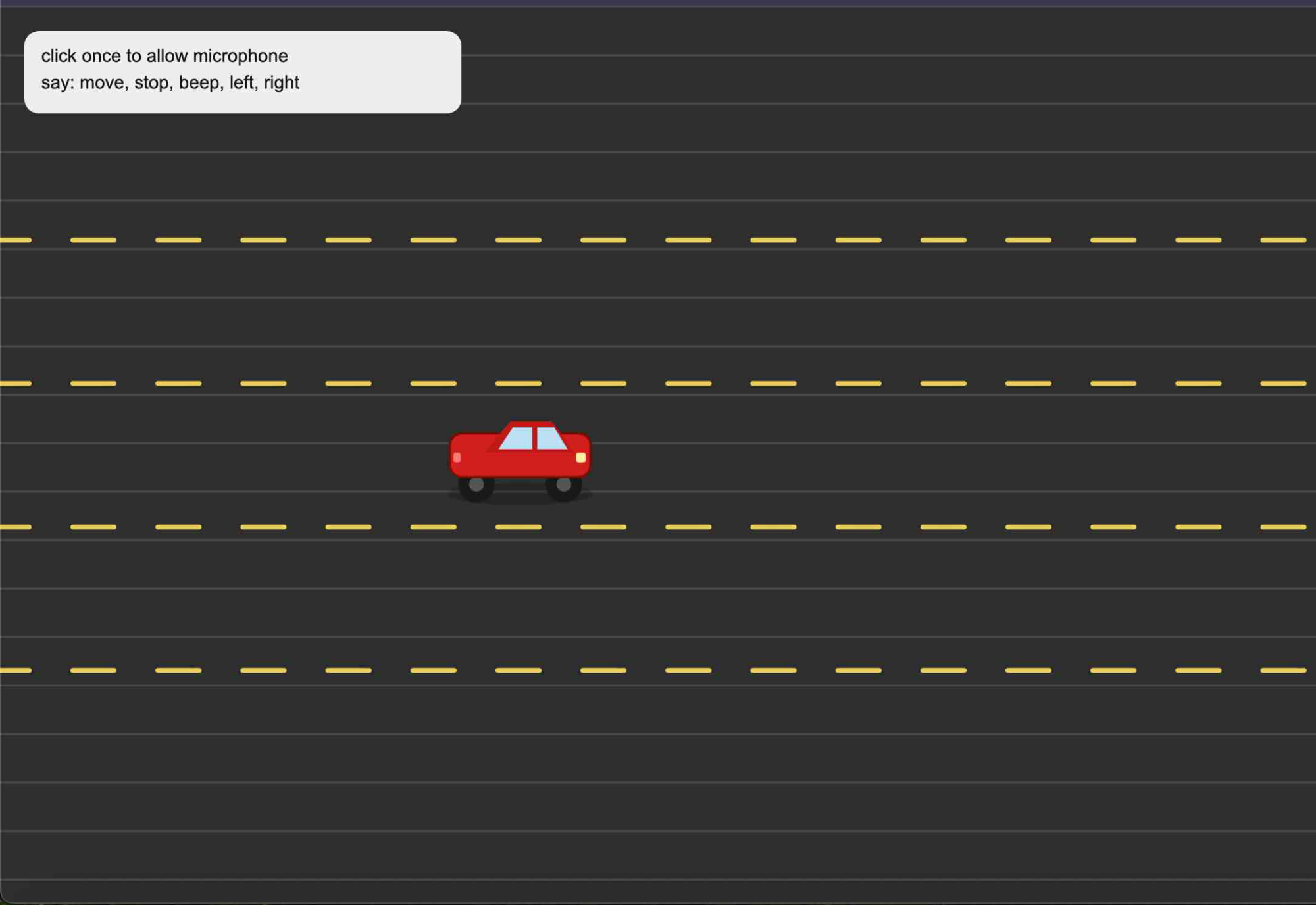
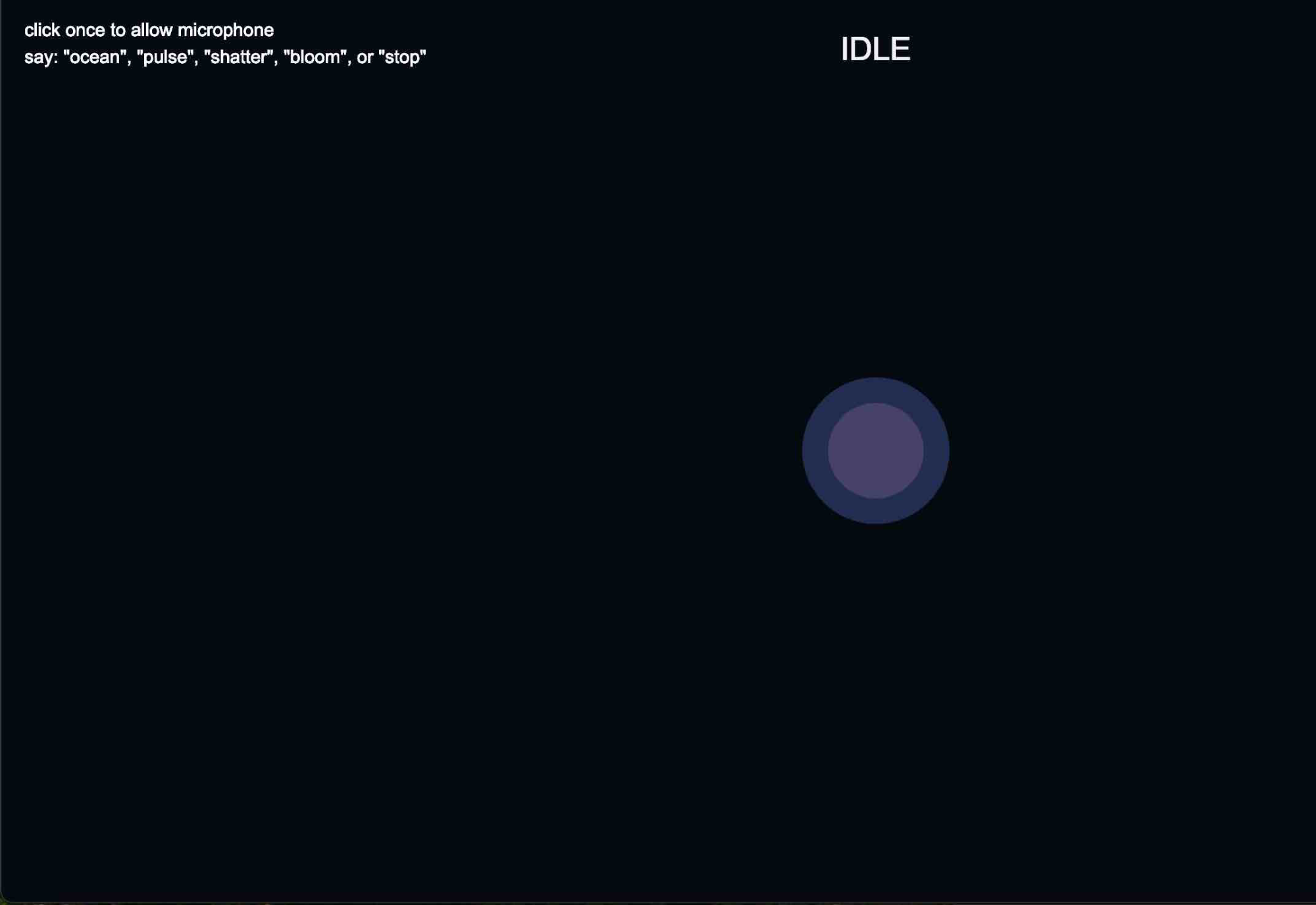
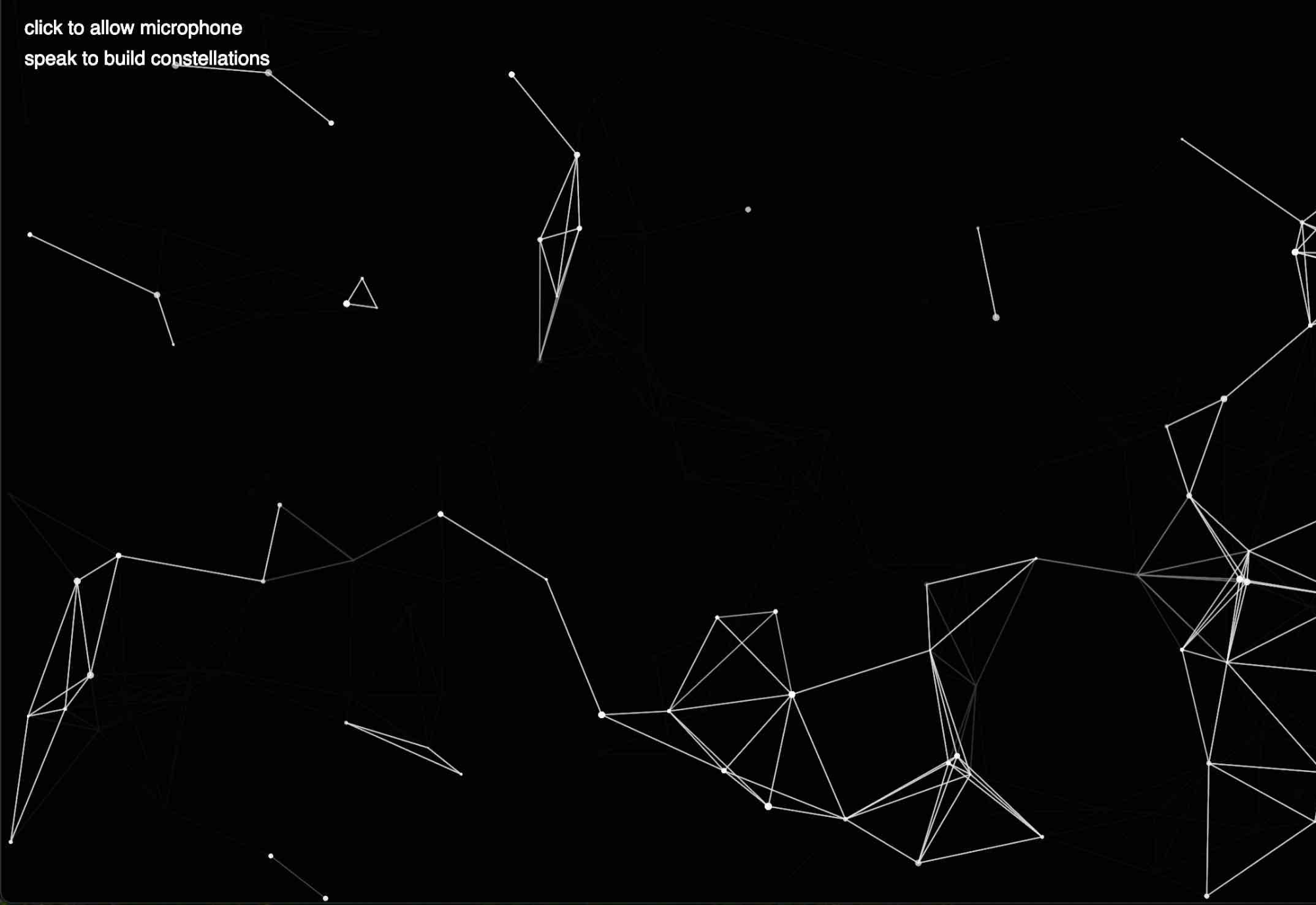
ellipse(mouseX, mouseY, 40); Here are flowers that are triggered by audio input. When the audio is loud, the flowers grow larger, and when the audio is low, the flowers become smaller. This is a sketch where the camera is distorted into grayscale circles. It then triggers smoky dots based on audio input—low volume creates small dots, while loud volume creates larger dots. Here is the smoke in action, triggered by audio from my microphone. Here is my camera being pixelated. When the microphone input is loud, the pixels decrease and my silhouette becomes visible in the camera. Here is the camera after I clapped loudly into my mic. This shows what I mean by my silhouette becoming clearer, while still remaining pixelated. I changed the pixels to be smaller instead of larger. Here is a single sphere that expands and changes to a darker color when you make noise into the mic, and then stays still when there is no audio present. Its size increases based on the volume. This p5.js experiment combines p5.AudioIn() for live microphone input and createCapture(VIDEO) for webcam access to generate swirl forms across the body in real time. The microphone level is read with mic.getLevel() and smoothed using lerp(), then mapped to a burst count so louder sound creates more swirls. The webcam is processed through cam.loadPixels(), and a custom findBodyPixel() function samples random pixels, checks their brightness, and uses a threshold to place new swirls only on darker areas of the body or silhouette. Each swirl is built as a JavaScript class with its own size, drift, rotation, lifespan, and spiral geometry, then drawn in p5 using beginShape(), vertex(), cos(), sin(), noise(), and lerpColor() to create more organic motion instead of perfect mathematical spirals. Extra JavaScript interaction is used through mousePressed() to unlock browser audio permissions, keyPressed() to toggle the video and adjust the body-detection threshold, and a small HUD displays live values for mic level, threshold, and swirl count. To be transparent, I used AI (ChatGPT) to help with generating code but all ideas includings visuals were thought of by me. This experiment uses p5.js, the microphone, and the webcam to create a reactive black-and-white mosaic. I used p5.AudioIn() and mic.getLevel() to capture sound, then smoothed the input with lerp() so the changes feel less abrupt. That audio level is mapped to the camera effect in drawAbstractCamera(), where louder sound increases the block size, contrast, and threshold shift, making the webcam feed look more pixelated and abstract. For the camera, I used createCapture(VIDEO) and cam.loadPixels() to read brightness values from the webcam and redraw them as large grayscale rect() blocks. I also used a custom findBodyPixel() function that searches for darker webcam pixels based on a brightness threshold, so the swirl forms appear mainly on the body or silhouette. The swirls are built as a separate JavaScript class, where each one has its own size, drift, lifespan, and rotation. I drew them in p5 using beginShape(), vertex(), cos(), sin(), noise(), and rotate() so they feel more organic and uneven. I also used mousePressed() to activate audio permissions, keyPressed() to hide or show the camera and adjust the threshold, and windowResized() to keep the sketch responsive. To be transparent, I used AI (ChatGPT) to help with generating code but all ideas includings visuals were thought of by me. This experiment uses p5.js and p5.AudioIn() to turn microphone input into expanding ripple rings across the screen. I used mic.getLevel() to read the live sound level and lerp() to smooth it out so the rings respond more gradually instead of appearing too abruptly. When the smoothed audio level passes a small threshold, the code adds new ring objects into an array, and each ring is given its own random position, starting size, transparency, and expansion speed based on how loud the sound is. In draw(), the background is redrawn with low opacity using background(0, 25), which creates a soft trailing effect instead of fully clearing the canvas each frame. Each ring is then drawn with ellipse(), while its size increases and its alpha fades over time until it gets removed from the array. I also used mousePressed() with userStartAudio() to unlock browser microphone permissions and start the mic, and windowResized() so the sketch stays responsive to the browser window. This p5.js experiment uses p5.AudioIn() and createCapture(VIDEO) to generate swirl forms that grow around the face when sound is detected. I used mic.getLevel() to capture live microphone input and lerp() to smooth the sound level so the swirls respond more naturally. The webcam feed is brought in with cam.loadPixels(), and I wrote a custom findFaceAnchor() function that scans a focused area of the webcam image, looks at brightness values, and estimates where the face is located. That face anchor becomes the main guide for where the swirls should appear. Instead of placing the swirls randomly, I used getHairSpawnPoint() to spawn them mostly around the left side, right side, and top of the face so they feel more like hair. Each swirl is built as a separate JavaScript class, with its own size, growth, drift, rotation, and lifespan. In p5, I drew them using beginShape(), vertex(), cos(), sin(), noise(), and rotate() so they feel less rigid and more organic. I also used mousePressed() to unlock browser audio permissions, keyPressed() to toggle the camera on and off, and windowResized() to keep the sketch responsive. This p5.js experiment builds on my earlier face-swirl tests, but this version pushes the lines closer to actual curl structures. I used p5.AudioIn() and mic.getLevel() to capture live microphone input, then smoothed the sound with lerp() so the curls grow in a more controlled way. The webcam is brought in through createCapture(VIDEO), and I use cam.loadPixels() inside a custom findFaceAnchor() function to estimate where the face is by scanning brightness values in the upper-middle part of the webcam image. That gives me a face anchor to build the curls around instead of placing them randomly. Once the face position is estimated, getHairSpawnPoint() places new strands mostly around the left side, right side, and top of the face so they read more like hair. The curls themselves are made through a JavaScript class called HairSwirl, where each strand has its own length, loop radius, loop count, direction, weight, and lifespan. In p5, I draw them using beginShape(), vertex(), sin(), and cos(), which lets the line loop back and forth as it grows. That is what gives the strand a more curly, hair-like look instead of a simple spiral. I also used mousePressed() to activate the mic, keyPressed() to hide or show the webcam, and windowResized() to keep the sketch responsive. I started to visualize how this could be used as a filter on a social media platform. When you press the V key, it shows the camera, and when you move the mouse, it changes color. The circle also follows your face. I used ChatGPT and followed the same template to further my experimentation. I had the idea of curls growing out of my head and changing colors as the mouse moves across the screen. Using audio, the curls would increase, helping me achieve the hair look I wanted. The conceptual meaning behind this comes from my desire to experiment with my curls and color them, but I can’t because I prioritize my hair health. For that reason, I wanted p5 to give me the chance to explore this digitally, but I felt like I could develop a stronger concept from it. This project uses p5.js, live microphone input, and the browser’s Web Speech API (through SpeechRecognition / webkitSpeechRecognition) to let spoken words control an underwater environment. I used p5.AudioIn() with mic.getLevel() and lerp() to smooth the sound input, which subtly affects motion in the scene like seaweed sway, fish speed, and jellyfish drift. For voice control, I set up the Web Speech API in setupSpeechRecognition(), enabling continuous listening and interim results so it can keep updating in real time. The API converts speech into text through the onresult event, where I loop through results and build a transcript string. I then check that transcript using includes() to detect keywords like “fish,” “starfish,” “jellyfish,” “bubble,” and “clear.” Each word triggers a function that spawns a new object into an array, which is then animated every frame. I also used recognition.onend to automatically restart the API so it keeps listening without stopping. The visuals are built in p5 using functions like lerpColor(), line(), beginShape(), curveVertex(), ellipse(), and sin() to create the ocean background and animate each creature. Finally, mousePressed() is used to unlock both the microphone and the speech recognition (since browsers require user interaction), and windowResized() keeps everything responsive. This project uses p5.js together with the browser’s Web Speech API through SpeechRecognition / webkitSpeechRecognition to control a car using spoken commands. Inside setupSpeechRecognition(), I set the recognition to continuous listening with recognition.continuous = true, turned off interim results with recognition.interimResults = false, and set the language to en-US. The spoken input is captured inside the onresult event, where the transcript is converted to lowercase and checked with includes() for phrases like “move,” “stop,” “left,” “right,” and “beep.” Depending on the word detected, the code calls functions like moveCar(), stopCar(), moveLeft(), moveRight(), or beepHorn(). I also used recognition.onend to automatically restart the API so it keeps listening, and recognition.onerror to log any speech-recognition issues. On the p5 side, I used lerp() in updateCar() to make the speed and lane changes feel smoother instead of snapping instantly. The road is drawn with p5 functions like line(), stroke(), and rect(), while the moving dashed lines are animated through a scrolling dashOffset value to create the illusion of driving. The car itself is built from simple p5 shapes like rect(), ellipse(), and beginShape(). I also added sound feedback using p5.Oscillator and p5.Envelope for the horn, so the “beep” command does not just change the visual state but also triggers audio. Finally, mousePressed() is used to unlock browser audio and start speech recognition, and windowResized() keeps the road and car layout responsive. This project uses p5.js, p5.sound, and the browser’s Web Speech API through SpeechRecognition / webkitSpeechRecognition to let spoken words trigger different sound and visual modes. I used p5.AudioIn() and mic.getLevel() to capture live microphone input, then smoothed that value so the background glow can react more softly to sound. The voice commands themselves are handled in setupSpeechRecognition(), where I turned on continuous listening and interim results so the browser can keep listening and updating the transcript in real time. Inside the onresult event, I check the recognized text for keywords like “ocean,” “pulse,” “shatter,” “bloom,” and “stop,” and each word calls a different trigger function. For sound, I used several parts of p5.sound: p5.Oscillator for the ocean, pulse, and bloom tones, p5.Noise for the shatter effect, and p5.Delay to give the bloom mode more echo and atmosphere. Each mode changes the sound differently by adjusting oscillator frequency and amplitude with .freq() and .amp(). On the visual side, I used arrays of ripple rings, shards, and bloom shapes, then animated them in p5 with functions like ellipse(), line(), beginShape(), vertex(), sin(), and rotate(). I also used recognition.onend to restart speech recognition automatically so it keeps listening, recognition.onerror to catch browser/API issues, and mousePressed() to unlock both browser audio and speech recognition, since those APIs usually need user interaction first. This experiment uses p5.js and p5.AudioIn() to turn microphone input into a field of temporary stars that connect into constellation-like networks. I used mic.getLevel() to read the live sound level and lerp() to smooth it so the stars appear more gradually instead of reacting too sharply. When the smoothed audio passes a small threshold, the code adds new star objects into an array, and louder sound increases how many stars are spawned at once using map() and floor(). In draw(), I compare every star to the others using dist(), and if two points are close enough, I connect them with line(). That is what creates the constellation effect. Each star is then drawn with ellipse() and slowly fades by reducing its alpha value over time until it gets removed from the array. I also used background(0, 25) to create a soft trail effect instead of fully clearing the screen each frame, mousePressed() with userStartAudio() to unlock browser microphone access, and windowResized() so the sketch stays responsive.

Project 2


Final Project 2 Design

P5 Interactive Audio Web Header Portfolio

My portfolio explores playful interaction using the microphone as the main input. I experimented with how voice and sound could directly control visuals in p5.js, such as a driving interaction where a car responds to commands like “move,” “stop,” “left,” “right,” and “beep,” turning speech into a form of control instead of using a keyboard or mouse. I also explored mic-reactive visuals by using p5.js sound libraries like p5.AudioIn(), p5.Amplitude(), and p5.FFT() to map sound data to elements like shape size, movement, and animation. In another experiment, I used speech recognition to turn spoken words into live subtitles on screen, allowing sound to become both input and output. All concepts and interactions were created by me through experimentation, while AI was only used as a technical support tool for debugging and improving my code, not for generating ideas. I settled on my final idea with the curl interaction because it felt like the strongest and most natural way to connect my concept of self-customization with sound. Compared to my other experiments, this idea was more personal and intuitive, since it relates to my everyday routine of getting ready and styling my hair. The curling motion also translated well into a visual and interactive experience, making it easy to control and understand through the microphone. It balanced both play and meaning—I was still exploring voice and sound as input, but in a way that felt connected to identity and routine rather than just abstract interaction.

Click here to see it working on my server

In this sketch, I used p5.js and JavaScript to build a mic-reactive curl filter where sound from p5.AudioIn() controls how curls grow around my face, while createCapture(VIDEO) creates a live filter experience. I used mic.getLevel() and lerp() to smooth audio input, then mapped that value to how many curls spawn and how they grow. I created a custom face anchor by scanning pixel brightness in the webcam feed to estimate face position, then used getHairSpawnPoint() to place curls around the head. Each curl is generated through the HairSwirl class using beginShape(), vertex(), and sin/cos math to create looping, hair-like forms, with properties like length, direction, and fade (life) so they grow and disappear over time. The mouse controls a color palette for customization. Conceptually, I was inspired by audio-reactive TikTok filters and beauty filters that let you try different hair, makeup, or styles, but I wanted to explore this through themes of self by making my own voice shape my appearance, turning sound into a playful way to experiment with identity and self-image instead of using a preset filter.

×

Powered by w3.css